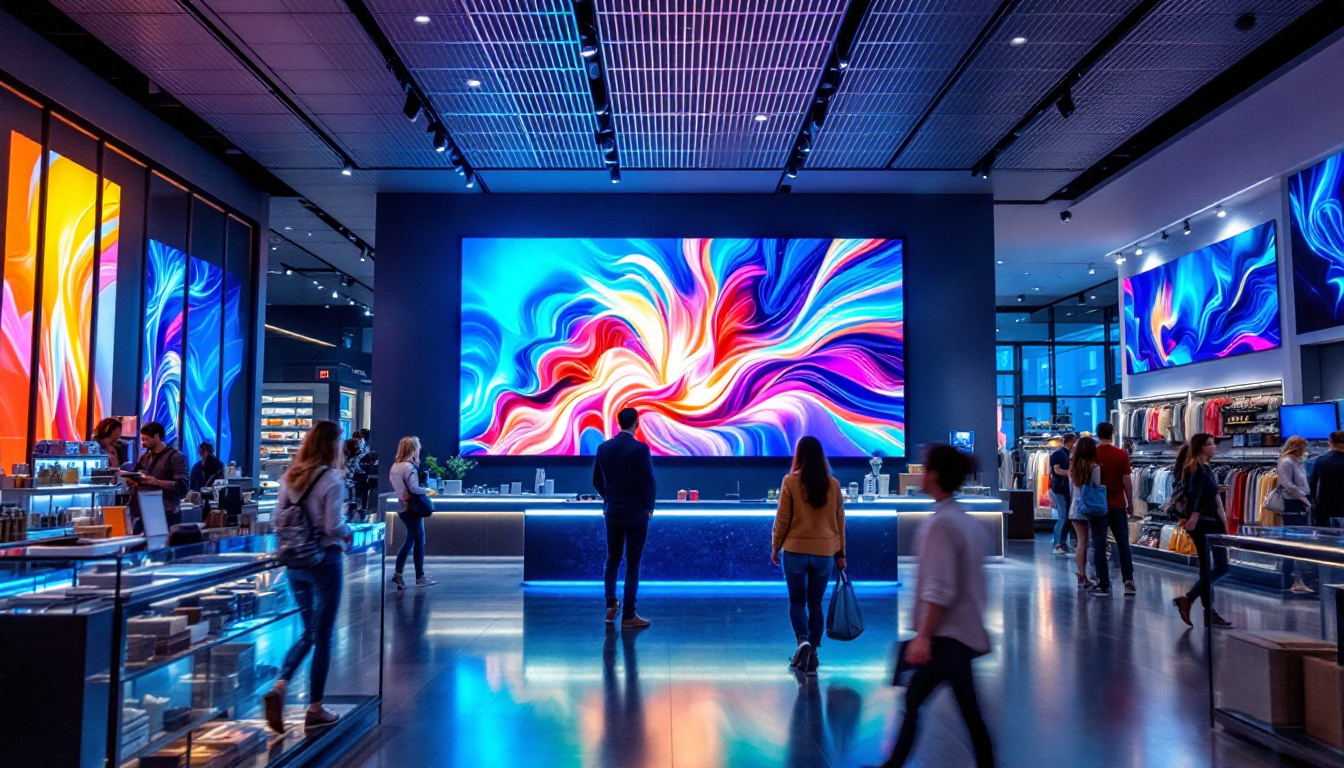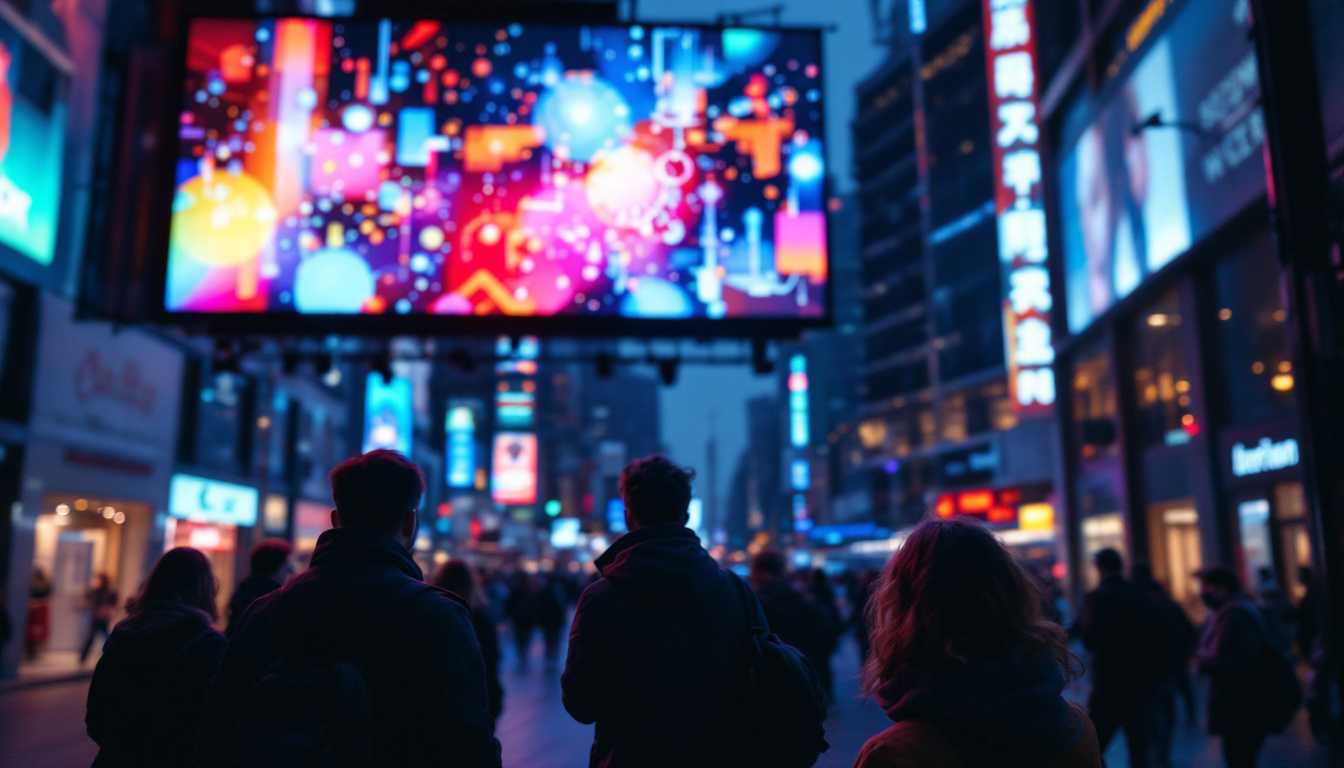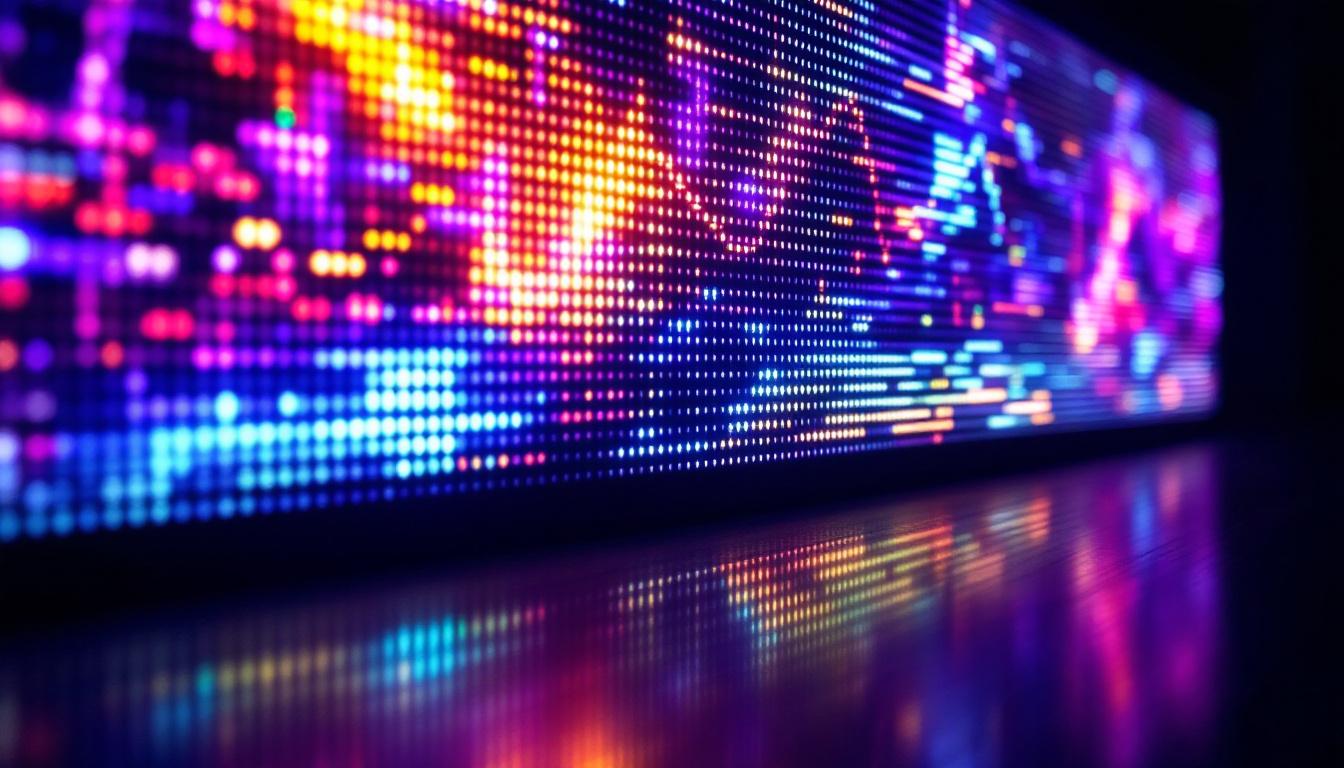
In the evolving world of digital displays, LED technology has emerged as a dominant force, revolutionizing how video content is presented and consumed. Whether it’s for advertising billboards, indoor screens, or large-scale event displays, understanding the best format for video quality on LED displays is essential for businesses, content creators, and technology enthusiasts alike. This article explores the nuances of LED displays, the factors influencing video quality, and the optimal formats to ensure stunning visual experiences.
Understanding LED Display Technology
LED, or Light Emitting Diode, displays consist of numerous tiny diodes that emit light when an electric current passes through them. Unlike traditional LCD or plasma screens, LEDs produce their own light, resulting in brighter and more vibrant images. This self-illumination characteristic allows LED displays to perform exceptionally well in various lighting conditions, including direct sunlight. The energy efficiency of LED technology also stands out, as it consumes less power compared to older display technologies, making it a more sustainable choice for both consumers and businesses alike.
LED displays come in two primary types: direct-view LED and LED-backlit LCD. Direct-view LED displays use LEDs as pixels themselves, offering superior brightness and contrast. In contrast, LED-backlit LCDs use LEDs to illuminate an LCD panel, which can limit viewing angles and contrast ratios. For video quality, direct-view LED displays are generally preferred due to their superior color accuracy and brightness. Additionally, the longevity of LED technology is noteworthy, as these displays can last significantly longer than traditional screens, reducing the need for frequent replacements and contributing to lower overall costs in the long run.
Pixel Pitch and Resolution
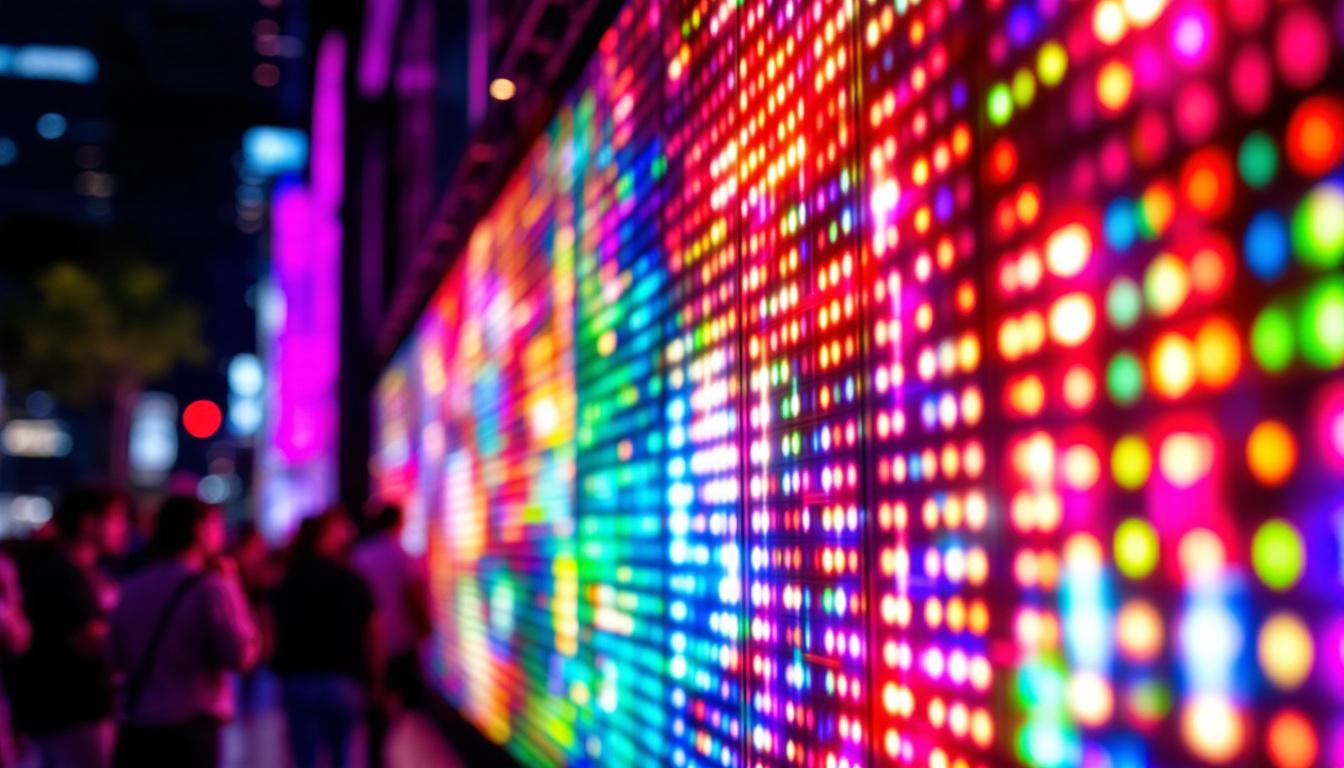
One of the critical factors affecting video quality on LED displays is pixel pitch—the distance between the centers of two adjacent pixels. A smaller pixel pitch means more pixels per unit area, resulting in higher resolution and finer image details. For example, a pixel pitch of 1.2mm is common in high-resolution indoor LED screens, while outdoor displays often have larger pitches ranging from 3mm to 10mm due to viewing distance considerations. This technology has revolutionized advertising and public displays, allowing for stunning visuals that capture attention and convey messages effectively.
Choosing the right pixel pitch depends on the intended viewing distance. For close-up viewing, such as in retail or conference rooms, a smaller pixel pitch ensures crisp visuals. For large outdoor displays viewed from afar, a larger pixel pitch is acceptable and more cost-effective without compromising perceived image quality. Furthermore, advancements in pixel technology have led to innovations like fine-pitch LED displays, which are becoming increasingly popular in high-end applications such as control rooms and immersive environments, where detail and clarity are paramount. As the technology continues to evolve, we can expect even more exciting developments that enhance the visual experience across various sectors.
Video Formats and Their Impact on LED Display Quality
Video format plays a pivotal role in how content appears on LED displays. The format encompasses the video codec, resolution, frame rate, and color depth—all of which influence clarity, smoothness, and color fidelity.
Resolution and Aspect Ratio
Resolution refers to the number of pixels in each dimension that the video contains. Matching the video resolution to the LED display’s native resolution is crucial to avoid scaling artifacts that degrade image quality. For instance, if an LED display has a native resolution of 1920×1080 pixels (Full HD), playing a video at this exact resolution ensures the sharpest possible image.
Aspect ratio is equally important. Most LED displays are designed with a standard 16:9 aspect ratio, which aligns with common HD and UHD video formats. Using videos with mismatched aspect ratios can lead to letterboxing, pillarboxing, or stretching, all of which detract from the viewing experience. Furthermore, understanding the context of the display’s environment is vital; for example, a 4:3 aspect ratio might be more suitable for vintage content or specific applications like presentations, while wider formats can enhance cinematic experiences.
Video Codecs and Compression
Modern video codecs like H.264 and H.265 (HEVC) are widely used for compressing video files while maintaining high quality. H.265, in particular, offers better compression efficiency, allowing for higher quality videos at lower bitrates. This is especially beneficial for LED displays that rely on streaming or limited storage capacity. The choice of codec can also affect the processing power required for playback; for instance, H.265 may necessitate more advanced hardware for decoding, which can influence the overall system design.
However, excessive compression can introduce artifacts such as blockiness and color banding, which are more noticeable on large LED screens. Therefore, balancing compression levels to preserve video quality without inflating file sizes is essential. Additionally, the choice of color space—such as RGB or YUV—can further impact how colors are rendered on the display, making it crucial to select the appropriate settings for the intended visual experience.
Frame Rate and Motion Smoothness
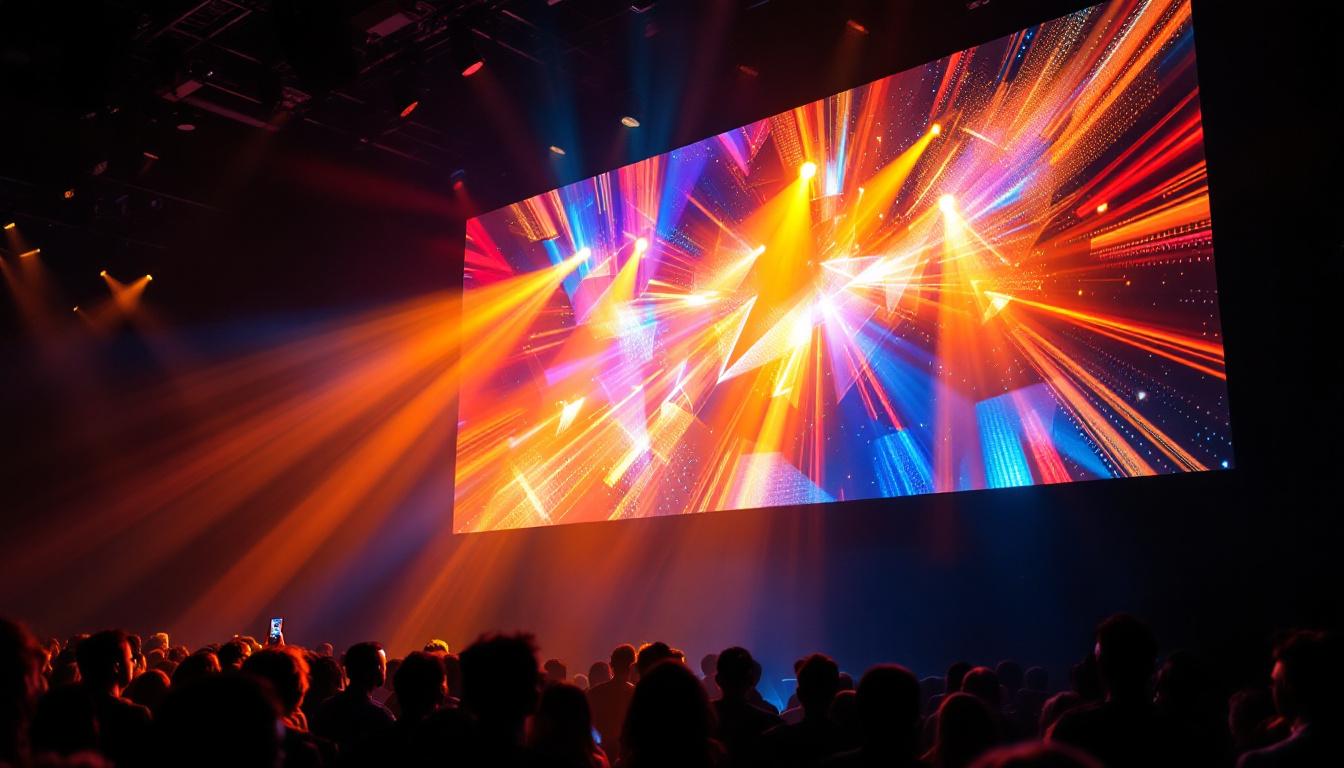
Frame rate, measured in frames per second (fps), affects the smoothness of motion in video playback. Standard frame rates include 24fps (film), 30fps (TV), and 60fps (high-motion content). For LED displays used in dynamic environments like sports arenas or concerts, higher frame rates (60fps or above) provide a more fluid and immersive experience. This is particularly important in fast-paced scenarios where every detail matters, such as capturing the swift movements of athletes or the rapid transitions in a concert light show.
Lower frame rates can cause motion blur or judder, which are more pronounced on large LED screens where viewers expect crisp and clear motion rendering. Additionally, technologies such as motion interpolation can be employed to enhance the perceived frame rate, creating smoother transitions and reducing the impact of lower frame rates. However, this technique can sometimes lead to the “soap opera effect,” which may not be desirable for all types of content. Understanding the audience’s expectations and the nature of the content is key to optimizing frame rates for LED displays.
Color Accuracy and Brightness: Key to Vibrant LED Video
Color reproduction and brightness are two pillars of video quality on LED displays. Achieving accurate colors and sufficient brightness levels ensures that the content is vivid, engaging, and true to the creator’s intent.
Color Depth and Gamut
Color depth refers to the number of bits used to represent color information per pixel. Higher color depths, such as 10-bit or 12-bit, allow for billions of colors and smoother gradients, reducing banding effects. Most consumer video content is 8-bit, but professional content for LED displays often uses higher color depths to maximize visual fidelity.
Color gamut defines the range of colors a display can reproduce. LED displays typically support wide color gamuts like DCI-P3 or Rec. 2020, which cover a broader spectrum than the standard sRGB gamut. Content mastered for these gamuts appears more vibrant and lifelike on compatible LED screens.
Brightness and Contrast Ratios
One of the standout advantages of LED displays is their high brightness capability, often exceeding 1,000 nits for indoor screens and reaching 5,000 nits or more for outdoor displays. This brightness ensures visibility even under direct sunlight, a critical factor for outdoor advertising and public information displays.
Contrast ratio—the difference between the brightest whites and the darkest blacks—also affects perceived video quality. Direct-view LED displays offer excellent contrast ratios due to their ability to turn off individual pixels completely, producing true blacks and enhancing overall image depth.
Optimizing Content for LED Displays
Creating video content optimized for LED displays involves technical considerations and creative adjustments to leverage the technology’s strengths fully.
Content Creation Best Practices
Designers should create content at the native resolution of the LED display to avoid scaling issues. Using vector graphics and high-resolution images helps maintain sharpness. Additionally, avoiding overly dark or overly bright scenes ensures details are visible, especially on displays with extremely high brightness.
Color grading tailored to the display’s color gamut and brightness capabilities can enhance vibrancy and realism. Testing content on the actual LED hardware or calibrated simulators is advisable to catch any discrepancies before deployment.
File Formats and Playback Systems
Common file formats such as MP4 (H.264/H.265 codec) and MOV are widely supported by LED display controllers. Using formats that balance quality and file size facilitates smooth playback and reduces buffering issues.
Playback systems should support hardware acceleration for decoding high-resolution videos efficiently. Additionally, synchronization across multiple LED panels in large video walls is crucial to avoid visual inconsistencies.
Future Trends in LED Display Video Quality
The LED display industry continues to innovate, pushing the boundaries of video quality and interactivity.
MicroLED and MiniLED Technologies
Emerging MicroLED and MiniLED technologies promise even higher pixel densities and improved brightness control. MicroLED displays, with pixel pitches below 1mm, offer near-OLED levels of contrast and color accuracy but with greater durability and brightness, making them ideal for next-generation video walls and consumer displays.
HDR and Advanced Color Standards
High Dynamic Range (HDR) content is becoming standard in LED display applications, providing enhanced contrast and color depth. Support for standards like HDR10+ and Dolby Vision on LED displays will enable more immersive and lifelike video experiences.
AI-Enhanced Video Processing
Artificial intelligence is increasingly used to optimize video playback on LED displays by dynamically adjusting brightness, contrast, and color based on ambient conditions and content type. AI-driven upscaling can also improve lower-resolution videos, making them suitable for large LED screens without sacrificing quality.
Conclusion
Choosing the best format for video quality on LED displays involves a comprehensive understanding of display technology, video formats, and content optimization techniques. Matching video resolution and aspect ratio to the LED screen, selecting efficient codecs, maintaining high frame rates, and ensuring accurate color reproduction are all critical steps.
As LED technology advances with innovations like MicroLED and HDR support, the potential for breathtaking video quality continues to grow. By staying informed and applying best practices, content creators and display operators can deliver compelling visual experiences that captivate audiences across diverse environments.
Discover LumenMatrix’s Advanced LED Solutions
Ready to elevate your visual content to the next level? LumenMatrix, a pioneer in LED display technology, offers an extensive range of innovative solutions tailored to your needs. From Indoor and Outdoor LED Wall Displays to specialized options like Vehicle LED Displays, LED Sports Displays, and even Custom LED solutions, we have everything to transform your visual communication. Experience the future of vibrant and engaging displays with LumenMatrix and make a lasting impression. Check out LumenMatrix LED Display Solutions today and see your vision come to life.