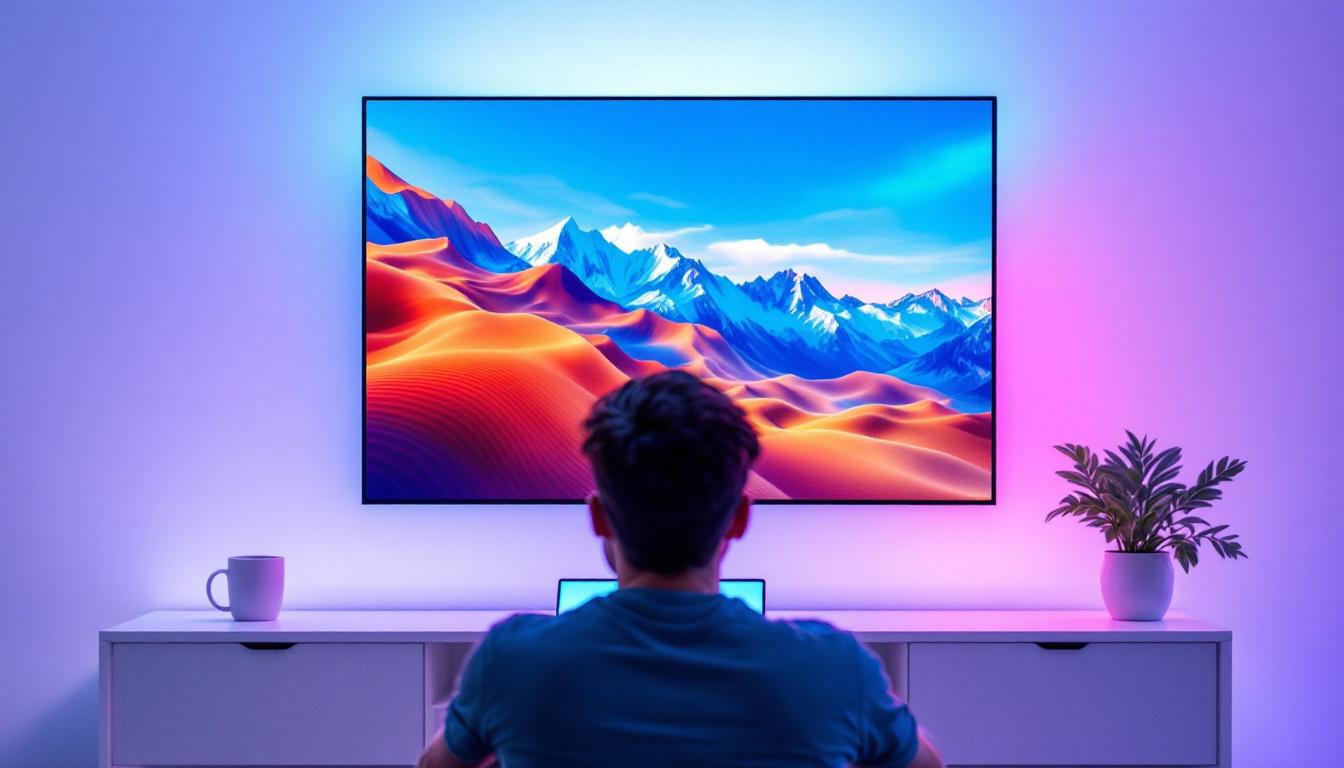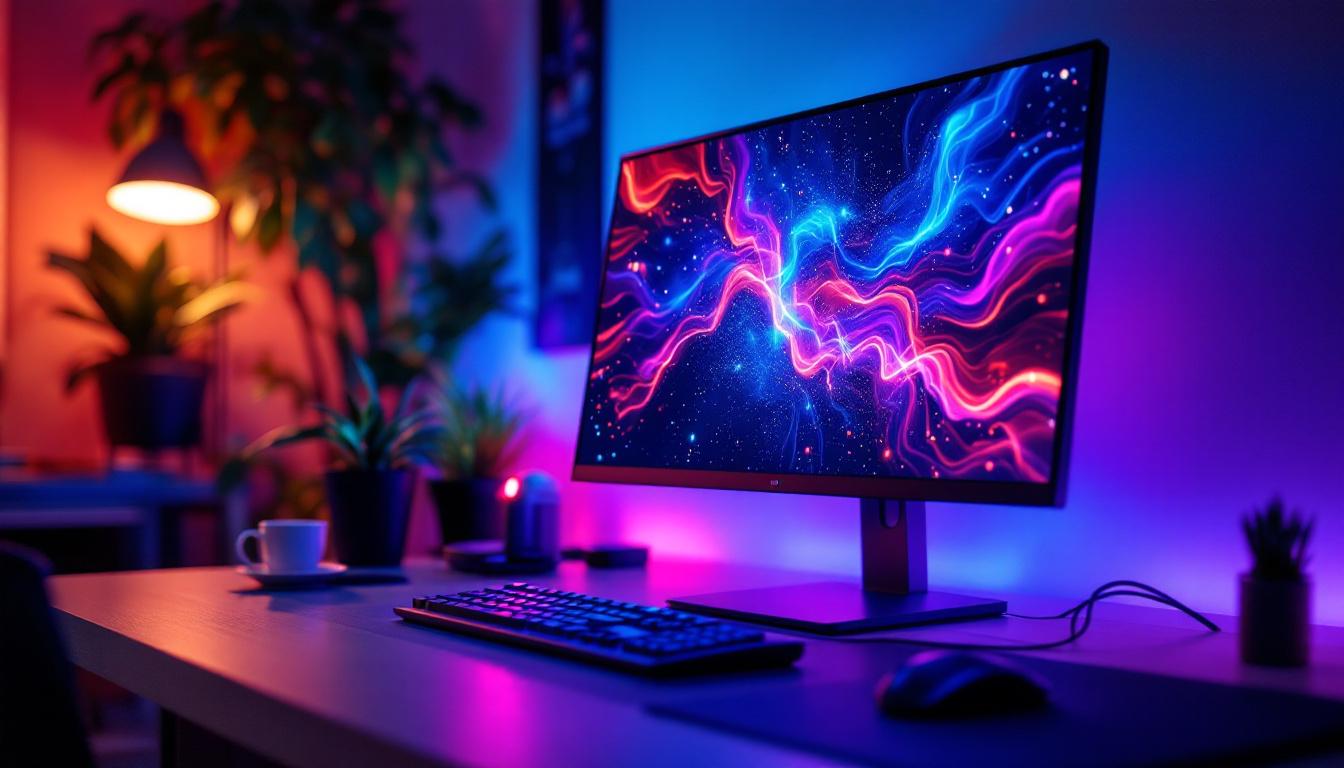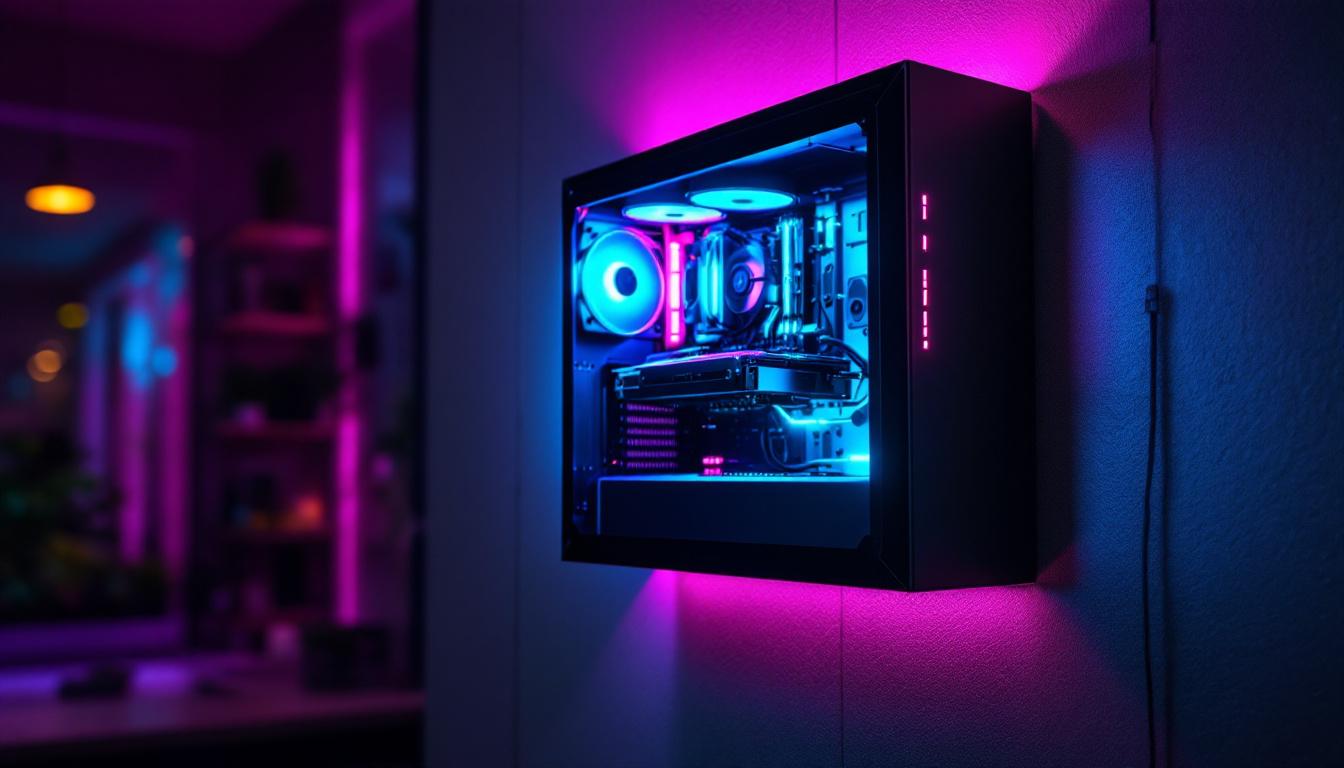
In recent years, the concept of mounting computer cases on walls has gained traction among PC enthusiasts, gamers, and tech-savvy individuals looking to combine aesthetics with functionality. One of the most eye-catching features of these wall-mounted setups is the integration of LED displays—dynamic, customizable lighting systems that transform a simple computer case into a visual centerpiece. This article explores the technology behind LED displays on wall-mounted computer cases, their benefits, design considerations, and how they contribute to modern PC builds.
The Rise of Wall-Mounted Computer Cases
Traditionally, computer cases have been placed on or under desks, prioritizing accessibility and space efficiency. However, as PC building evolved into a form of personal expression and art, enthusiasts began experimenting with alternative placements. Wall-mounted computer cases emerged as a trend that offers several advantages:
- Showcasing Hardware: By mounting the case on a wall, users can prominently display their high-end components, custom cooling loops, and intricate cable management.
- Space Optimization: Wall mounting frees up valuable desk space, creating a cleaner and more organized workspace.
- Improved Airflow: Elevating the case can enhance airflow, as it avoids the heat buildup often found in enclosed or cramped spaces.
These benefits have encouraged manufacturers to design cases specifically tailored for wall mounting, often incorporating tempered glass panels and customizable LED lighting to maximize visual impact.
Moreover, the aesthetic appeal of wall-mounted cases has led to a surge in DIY projects among tech enthusiasts. Many individuals take pride in crafting their own custom mounts, allowing for unique designs that reflect personal style. This trend has also spurred a community of creators who share their setups online, inspiring others to push the boundaries of traditional PC building. From minimalist designs that blend seamlessly with modern decor to vibrant, eye-catching displays that serve as conversation starters, the possibilities are endless.
Additionally, wall-mounted cases can also be a practical solution for gamers and content creators who require efficient use of space in smaller environments. In urban settings where real estate is at a premium, these cases allow for a functional yet stylish setup that doesn’t compromise on performance. As more people embrace remote work and gaming from home, the demand for innovative solutions like wall-mounted cases is likely to grow, further solidifying their place in the future of PC building.
Understanding LED Displays in Computer Cases
What Are LED Displays?
LED (Light Emitting Diode) displays in computer cases refer to arrays or strips of LEDs integrated into the case design or attached to internal components. These LEDs can emit a wide range of colors and effects, controlled via software or hardware controllers. Unlike traditional static lighting, modern LED displays offer dynamic animations, color cycling, and synchronization with system events such as CPU temperature or audio output.
Types of LED Lighting in PC Cases
There are several types of LED lighting commonly used in computer cases, each with unique characteristics:
- RGB LED Strips: Flexible strips embedded with red, green, and blue LEDs that can be programmed to display millions of colors.
- ARGB (Addressable RGB) LEDs: Advanced LEDs where each diode can be individually controlled, allowing for complex lighting patterns and animations.
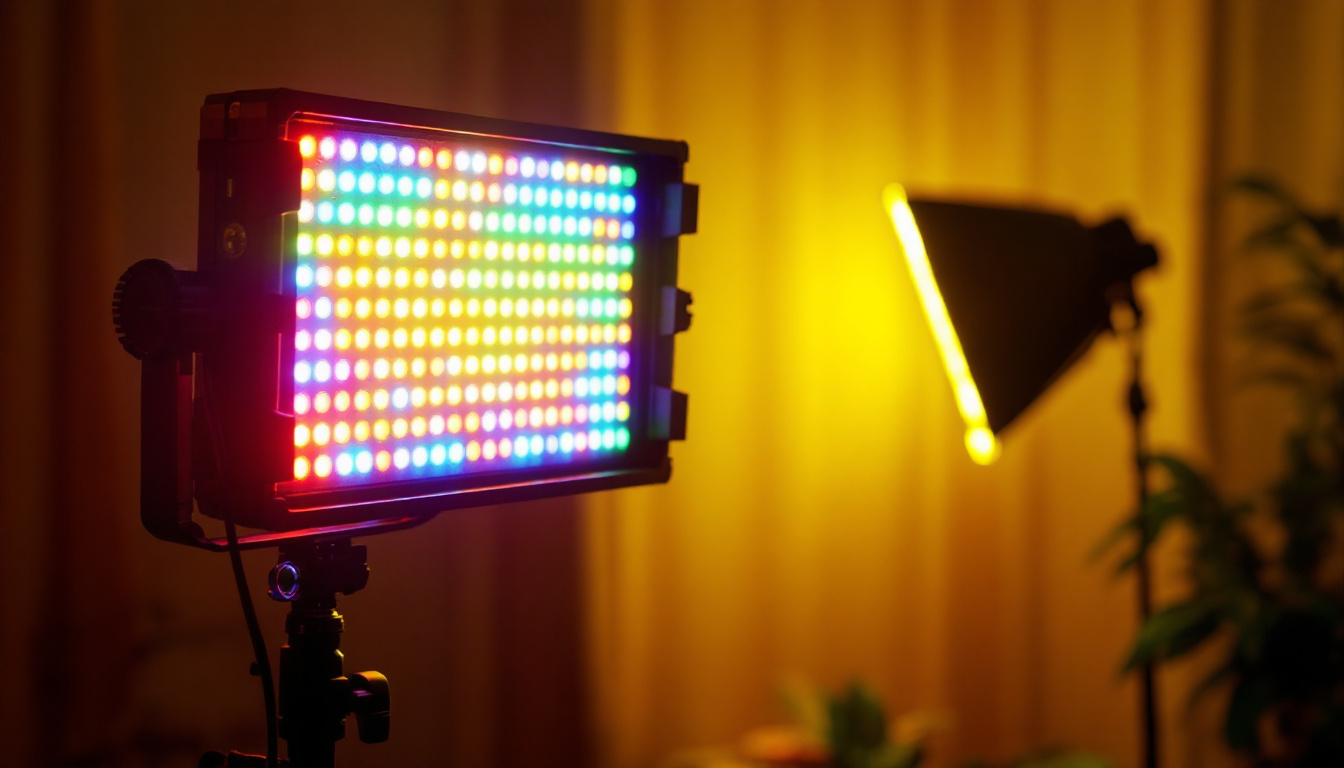
- LED Panels and Matrix Displays: These are arrays of LEDs arranged in grids, capable of displaying text, images, or animations, often used for custom messages or system stats.
In wall-mounted cases, these LED types can be combined or customized to create a striking visual effect that complements the room’s lighting and décor.
Benefits of LED Displays on Wall-Mounted Computer Cases
Enhanced Aesthetics and Personalization
One of the primary reasons users opt for LED displays is the ability to personalize their PC’s appearance. Wall-mounted cases with integrated LED displays serve as a canvas for creativity, allowing users to express their style through color schemes, animations, and themes. Whether it’s a subtle ambient glow or a vibrant light show synchronized with music, LEDs elevate the computer from a functional device to a centerpiece of the room.
Real-Time System Monitoring
Beyond aesthetics, LED displays can provide practical benefits. Some advanced setups use LED panels to show real-time system information such as CPU and GPU temperatures, fan speeds, or network activity. This immediate visual feedback helps users monitor system health without needing to open software interfaces, which is especially useful for overclockers and gamers who demand optimal performance.
Improved Visibility and Lighting
Wall-mounted cases with LED lighting can also improve ambient lighting in a room. This can reduce eye strain during long gaming or work sessions by providing indirect illumination. Additionally, LEDs can highlight specific hardware components, making troubleshooting and upgrades easier by improving visibility inside the case.
Design Considerations for Wall-Mounted Cases with LED Displays
Case Selection and Compatibility
Not all computer cases are suitable for wall mounting or LED integration. When selecting a case, consider the following:
- Mounting Options: The case should have built-in mounting points or be compatible with universal VESA mounts designed for monitors.
- Material and Build Quality: Tempered glass panels and sturdy metal frames are preferred for durability and showcasing internal components.
- LED Integration: Look for cases with pre-installed LED strips or support for ARGB lighting, along with accessible connectors for controllers.
Popular cases designed for wall mounting often come with modular designs, allowing users to customize LED placements and cable routing to maintain a clean appearance.
Power and Cable Management
Wall-mounted setups require careful planning for power delivery and cable management. Unlike traditional desktop placements, wall-mounted cases may need longer cables or custom extensions to reach power outlets and peripherals. Additionally, LED controllers and lighting systems require power and data connections, which must be discreetly routed to avoid clutter.
Using cable raceways, adhesive clips, and custom sleeved cables can help maintain a tidy installation. Wireless peripherals and power outlets positioned near the mounting location further simplify the setup.
Cooling and Airflow Considerations
Proper cooling remains critical for any PC build, and wall-mounted cases are no exception. The orientation and placement on the wall can impact airflow patterns. For example, mounting near heat sources or in enclosed spaces can reduce cooling efficiency. LED lighting generates minimal heat but should not obstruct airflow paths.
Ensuring sufficient intake and exhaust ventilation, using high-quality fans, and possibly integrating liquid cooling solutions can maintain optimal temperatures. Some cases designed for wall mounting incorporate mesh panels or vents strategically placed to maximize airflow while maintaining visual appeal.
Popular LED Display Technologies in Wall-Mounted PC Cases
Addressable RGB (ARGB) Lighting
ARGB technology allows individual control of each LED diode, enabling intricate lighting effects such as rainbows, waves, and reactive animations. This level of control is often achieved through motherboard software like ASUS Aura Sync, MSI Mystic Light, or Gigabyte RGB Fusion. ARGB lighting is prevalent in wall-mounted cases due to its versatility and vibrant color reproduction.
LED Matrix Panels
Some enthusiasts incorporate LED matrix panels into their wall-mounted cases. These panels consist of a grid of LEDs that can display custom graphics, animations, or system information. Driven by microcontrollers such as Arduino or Raspberry Pi, LED matrix displays add an interactive and futuristic element to the PC build.
OLED and LCD Integration
While not LED displays per se, some advanced wall-mounted cases integrate small OLED or LCD screens to display system stats, notifications, or custom artwork. These displays complement LED lighting by providing high-resolution visuals and can be programmed to change dynamically based on user preferences.
How to Set Up LED Displays on a Wall-Mounted Computer Case
Planning the Layout
Before mounting the case, plan the LED layout carefully. Decide which areas to highlight, such as the motherboard, graphics card, or cooling system. Consider the viewing angle and ambient lighting in the room to optimize the LED effects.
Installing LED Strips and Controllers
Most LED strips come with adhesive backing, making installation straightforward. Attach the strips inside the case along edges or behind components to create a glowing outline or backlight effect. Connect the strips to compatible controllers, which can be hardware buttons or software interfaces.
Configuring Software and Synchronization
After physical installation, use manufacturer-provided software to customize lighting patterns, colors, and synchronization with other RGB components. Many software suites allow syncing LEDs with music, games, or system temperatures, enhancing immersion and interactivity.
Mounting the Case Securely
Use appropriate wall mounts rated for the case’s weight and size. Ensure the case is mounted at a comfortable viewing height and that cables are neatly routed to power sources and peripherals. Double-check stability to prevent accidents or damage.
Future Trends and Innovations
The integration of LED displays in wall-mounted computer cases continues to evolve. Emerging trends include:
- Smart Lighting Systems: AI-driven LED controls that adapt lighting based on user behavior, time of day, or ambient conditions.
- Interactive Displays: Touch-sensitive LED panels that allow users to control lighting or access system information directly on the case.
- Energy-Efficient LEDs: Advances in LED technology that reduce power consumption while increasing brightness and color fidelity.
- Modular and Customizable Panels: Easily swappable LED modules that enable users to upgrade or reconfigure their display without replacing the entire case.
These innovations promise to make wall-mounted PC cases with LED displays even more functional, visually stunning, and user-friendly in the coming years.
Conclusion
Wall-mounted computer cases with integrated LED displays represent a fusion of technology, design, and personal expression. By understanding the types of LED lighting available, the benefits they offer, and the key considerations for installation, users can create setups that are not only visually impressive but also practical and efficient. As LED technology advances and customization options expand, these wall-mounted PCs will continue to redefine the boundaries of PC building and workspace aesthetics.
Illuminate Your Space with LumenMatrix
Ready to elevate your wall-mounted computer case with the most advanced LED display technology? LumenMatrix is at the forefront of creating immersive visual experiences that go beyond conventional setups. From vibrant Indoor LED Wall Displays to innovative Custom LED Displays, our solutions are designed to captivate and engage. Whether for gaming, content creation, or enhancing your workspace aesthetics, LumenMatrix has the perfect LED display module to complement your vision. Check out LumenMatrix LED Display Solutions today and transform your environment with unparalleled clarity and color.