In today’s digital age, touch screen monitors have become an integral part of both professional and personal computing environments. Among various sizes, the 24-inch touch screen monitor strikes a perfect balance between workspace efficiency and visual comfort. This article delves into the technology behind 24-inch LED touch screen monitors, exploring their features, benefits, and practical applications to help you make an informed decision.
Understanding the Basics: What is a 24-Inch LED Touch Screen Monitor?
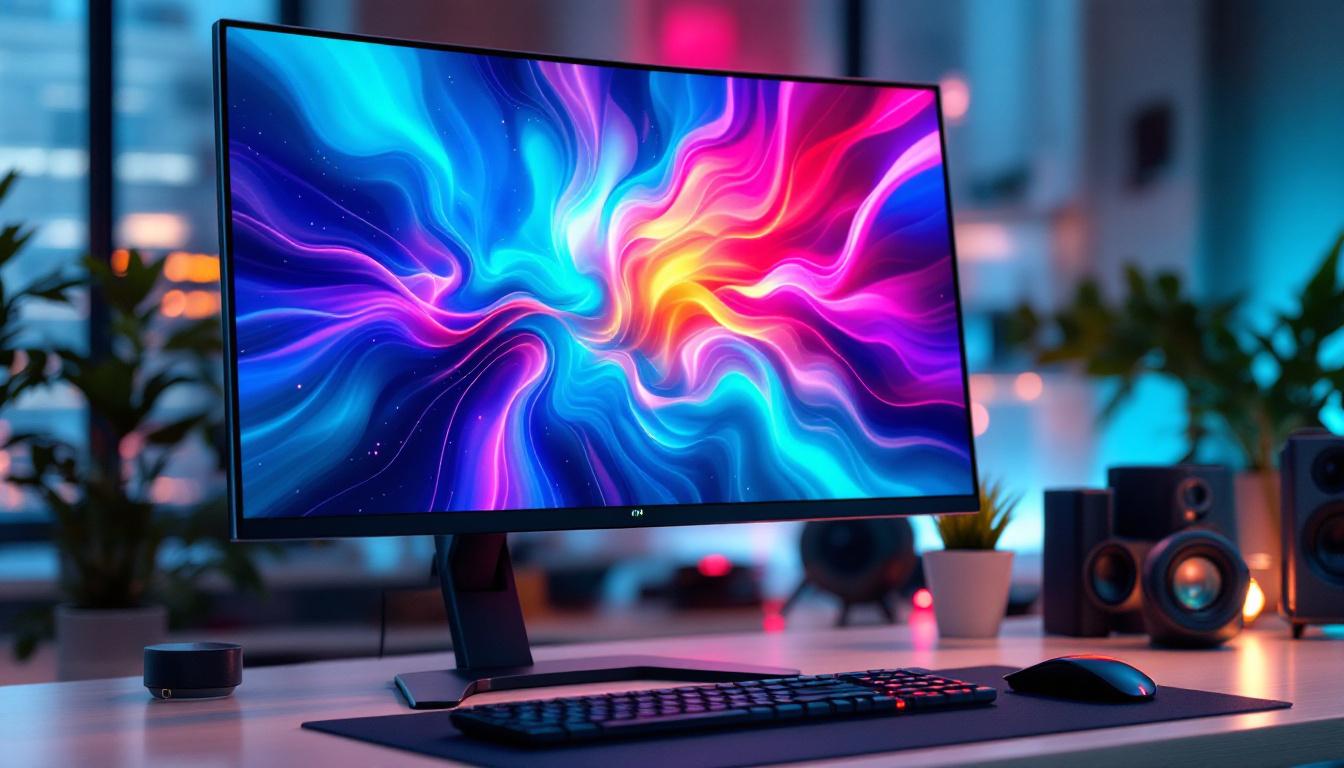
A 24-inch LED touch screen monitor is a display device that combines a 24-inch diagonal screen size with LED backlighting and touch-sensitive technology. The LED (Light Emitting Diode) component refers to the type of backlight used to illuminate the screen, providing bright, energy-efficient, and vibrant visuals. The touch screen functionality allows users to interact directly with the display using fingers or a stylus, replacing or supplementing traditional input devices like a mouse and keyboard.
This size is particularly popular because it offers ample screen real estate without overwhelming desk space, making it ideal for various settings such as offices, retail, healthcare, and education. The 24-inch dimension typically corresponds to a resolution of Full HD (1920×1080 pixels), although higher resolutions like 2K or 4K are increasingly available in this size category. These higher resolutions can significantly enhance the clarity and detail of images and videos, making them particularly beneficial for graphic designers, video editors, and other professionals who rely on precision in their visual work.
LED Technology: Why It Matters
LED backlighting has largely replaced older CCFL (Cold Cathode Fluorescent Lamp) technology due to its superior energy efficiency, thinner panel design, and improved color accuracy. LEDs provide more consistent brightness across the screen, which enhances the viewing experience, especially in environments with varying lighting conditions. This consistency is particularly important in professional settings where color fidelity is crucial, such as in photography or digital art.
Moreover, LED displays tend to have faster response times and better contrast ratios, which are crucial for applications requiring sharp and clear visuals. For touch screen monitors, this means smoother interaction and reduced eye strain during prolonged use. Additionally, many modern LED touch screen monitors come equipped with advanced features such as anti-glare coatings and adjustable brightness settings, allowing users to customize their viewing experience based on their specific needs and preferences. This adaptability makes them suitable for a wide range of tasks, from casual browsing to intensive data analysis, ensuring that users can work comfortably and efficiently in any environment.
Key Features of 24-Inch Touch Screen Monitors
Touch Technology Types
There are several types of touch technologies used in 24-inch monitors, each with its own advantages and limitations:
- Resistive Touch: This technology relies on pressure applied to two flexible layers. It is cost-effective and works with any pointing device but offers lower clarity and multi-touch support.
- Capacitive Touch: The most common in modern touch screens, capacitive technology detects the electrical properties of the human finger. It supports multi-touch gestures and provides high clarity and responsiveness.
- Infrared Touch: Uses an array of IR sensors around the screen to detect touch. It supports multi-touch and works with any object but can be more expensive and sensitive to environmental interference.
- Surface Acoustic Wave (SAW): Uses ultrasonic waves on the screen surface; offers excellent image clarity but is susceptible to contaminants like dust or water.
For most users, capacitive touch technology offers the best combination of responsiveness, durability, and image quality in a 24-inch LED touch screen monitor.
Resolution and Display Quality
Resolution plays a pivotal role in the quality of the display. A 24-inch monitor with Full HD resolution (1920×1080) is standard and sufficient for everyday tasks, including office work, web browsing, and media consumption. However, for professionals in graphic design, video editing, or CAD applications, higher resolutions such as 2560×1440 (QHD) or 3840×2160 (4K UHD) provide sharper images and more workspace.
Additionally, factors like color accuracy (measured in color gamut coverage such as sRGB or AdobeRGB), brightness (measured in nits), and contrast ratio affect the overall visual experience. LED displays often achieve brightness levels between 250 to 350 nits, which is adequate for most indoor environments.
Connectivity and Compatibility
Modern 24-inch touch screen monitors come equipped with a variety of connectivity options to ensure compatibility with different devices:
- HDMI: The most common digital video interface, supporting high-definition video and audio.
- DisplayPort: Preferred for higher resolutions and refresh rates, often used in professional setups.
- USB-C: Increasingly popular for its ability to transmit video, audio, data, and power over a single cable.
- USB Ports: For connecting peripherals or enabling touch input communication.
Ensuring your monitor supports the necessary ports for your devices is crucial for seamless integration. Many touch screen monitors also support plug-and-play functionality, reducing setup complexity.
Advantages of Using a 24-Inch Touch Screen Monitor
Enhanced User Interaction and Productivity
Touch screen monitors provide a more intuitive and direct way to interact with digital content. For professionals, this can translate into faster navigation, easier annotation, and more natural manipulation of images and data. In environments like retail or hospitality, touch screens simplify point-of-sale operations, improving customer service and transaction speed.
Studies have shown that touch interfaces can reduce task completion times by up to 20% compared to traditional mouse and keyboard setups, especially for tasks involving drawing, design, or data entry. This boost in efficiency is a compelling reason for businesses to adopt touch screen technology.
Space Saving and Versatility
A 24-inch touch screen monitor combines the functions of a display and an input device, reducing the need for additional peripherals. This consolidation helps save valuable desk space and creates a cleaner, more organized workspace. The moderate size ensures it fits comfortably in most office setups without overwhelming the user.
Moreover, these monitors are versatile across industries. In healthcare, they facilitate quick access to patient records and imaging. In education, they enable interactive lessons and collaborative learning. The adaptability of a 24-inch touch screen makes it a practical investment for diverse applications.
Durability and Maintenance
Touch screen monitors designed for commercial use often feature reinforced glass and robust construction to withstand frequent use. Many models include anti-glare coatings and are resistant to fingerprints and smudges, maintaining screen clarity over time.
LED technology also contributes to longer device lifespan and lower power consumption, which reduces operational costs and environmental impact. These factors make 24-inch LED touch screen monitors a reliable choice for sustained daily use.
Choosing the Right 24-Inch Touch Screen Monitor for Your Needs
Assessing Your Use Case
Before purchasing a 24-inch touch screen monitor, it is essential to evaluate your specific requirements. For instance, if the monitor will be used primarily for office productivity, a Full HD resolution with capacitive touch and standard connectivity options may suffice. Conversely, graphic designers or video editors might prioritize higher resolution and superior color accuracy.
Consider the environment as well. In brightly lit areas, a monitor with higher brightness and anti-glare features will improve visibility. For multi-user settings, multi-touch support and durable construction are critical.
Budget Considerations
Prices for 24-inch touch screen monitors vary widely depending on features, brand, and build quality. Entry-level models with basic touch functionality and Full HD resolution can start around $200 to $300. Mid-range monitors offering better color reproduction, multi-touch, and additional ports typically range from $400 to $700. High-end models with 4K resolution, advanced touch technology, and professional-grade color accuracy can exceed $800.
Balancing your budget against desired features will help ensure you invest in a monitor that meets your needs without unnecessary expenditure.
Brand Reputation and Support
Choosing a reputable brand with strong customer support and warranty coverage is vital. Reliable manufacturers often provide firmware updates, driver support, and responsive customer service, which can extend the lifespan and usability of your touch screen monitor.
Reading user reviews and professional evaluations can provide insights into real-world performance and potential issues, aiding in a well-informed purchase decision.
Installation and Maintenance Tips for Optimal Performance
Proper Setup
To maximize the benefits of a 24-inch touch screen monitor, proper installation is key. Position the monitor at eye level and at a comfortable distance to reduce neck and eye strain. Ensure the workspace is free from excessive glare by adjusting blinds or lighting.
Calibrating the touch screen after installation improves accuracy. Most monitors come with calibration software or built-in tools to fine-tune touch responsiveness.
Regular Cleaning and Care
Maintaining the screen’s cleanliness enhances visibility and touch sensitivity. Use a microfiber cloth and screen-safe cleaning solutions to gently remove fingerprints and dust. Avoid harsh chemicals or abrasive materials that can damage the screen surface.
Periodic software updates from the manufacturer can also improve touch performance and compatibility with operating systems.
Future Trends in 24-Inch Touch Screen Monitors
As technology evolves, 24-inch touch screen monitors continue to integrate advanced features. Emerging trends include:
- Higher Resolutions and HDR Support: More models are adopting 4K resolution and High Dynamic Range (HDR) for richer colors and deeper contrast.
- Improved Touch Sensitivity: Advances in touch technology enable more precise input, supporting stylus use and pressure sensitivity for creative professionals.
- Flexible and Curved Displays: While still niche, curved 24-inch touch screens enhance immersion and reduce glare.
- AI and Gesture Recognition: Some monitors are beginning to incorporate AI-powered gesture controls, allowing touchless interaction.
These innovations promise to expand the functionality and user experience of 24-inch touch screen monitors in the near future.
Conclusion
The 24-inch LED touch screen monitor represents a versatile and efficient solution for a wide range of users, from office professionals to creative artists and educators. Understanding the underlying LED technology, touch screen types, and key features helps in selecting a monitor that aligns with your specific needs and budget.
With benefits such as enhanced interactivity, space-saving design, and durability, these monitors are poised to remain a staple in modern computing environments. Staying informed about current technologies and future trends will ensure that your investment in a 24-inch touch screen monitor delivers optimal performance and value.
Discover LumenMatrix’s Innovative Touch Solutions
Ready to elevate your interactive experience with a 24-inch LED touch screen monitor? Look no further than LumenMatrix, a pioneer in LED display technology. Our extensive range of solutions, from Indoor LED Wall Displays to Custom LED Displays, is designed to bring your visual communication to life with unparalleled clarity and impact. Embrace the future of touch screen technology and check out LumenMatrix LED Display Solutions today to transform your space into a dynamic, engaging environment.