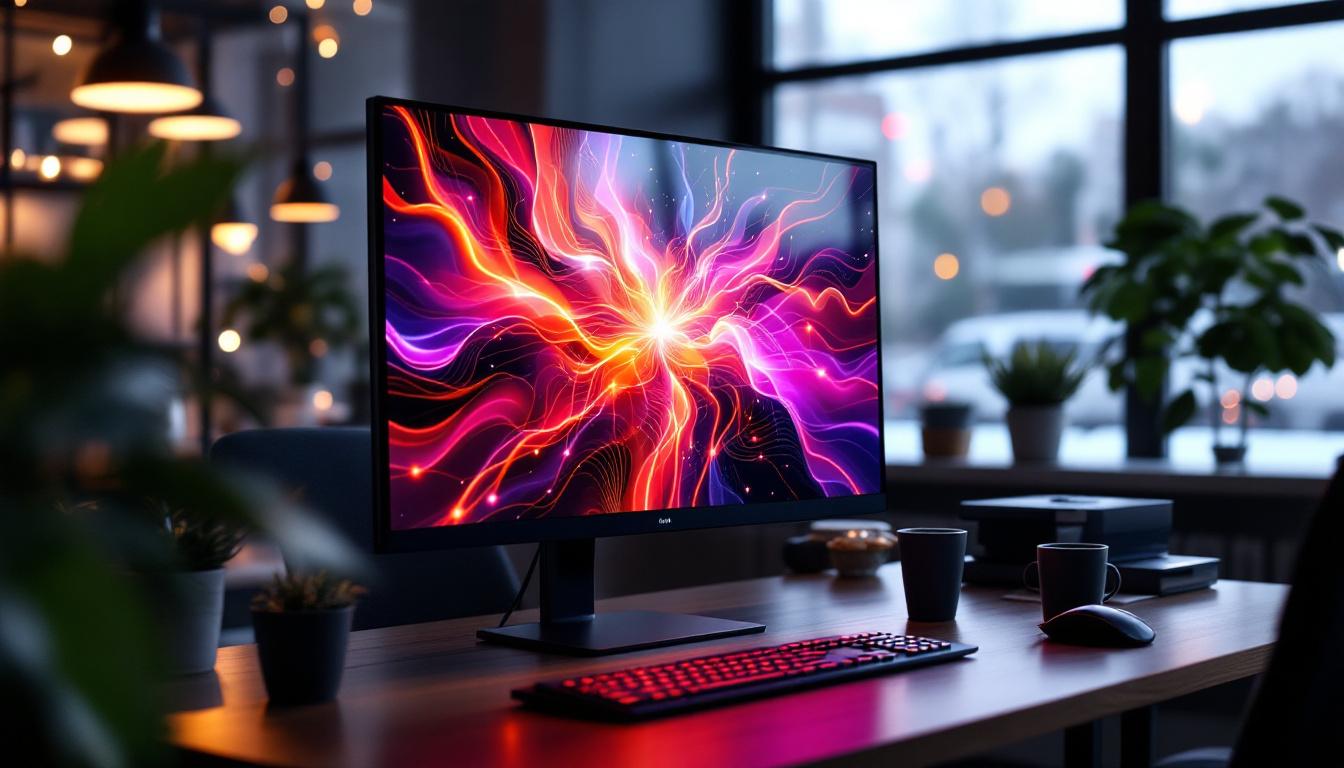
In today’s digital age, touch screen monitors have become an integral part of both professional and personal environments. Among the various sizes and types available, the 32-inch touch screen monitor with LED display stands out for its versatility, clarity, and user-friendly interface. Whether used for business presentations, interactive kiosks, gaming, or creative work, understanding the technology behind these monitors is essential for making an informed purchase and maximizing their potential.
Understanding the Basics: What is a 32-Inch Touch Screen Monitor?
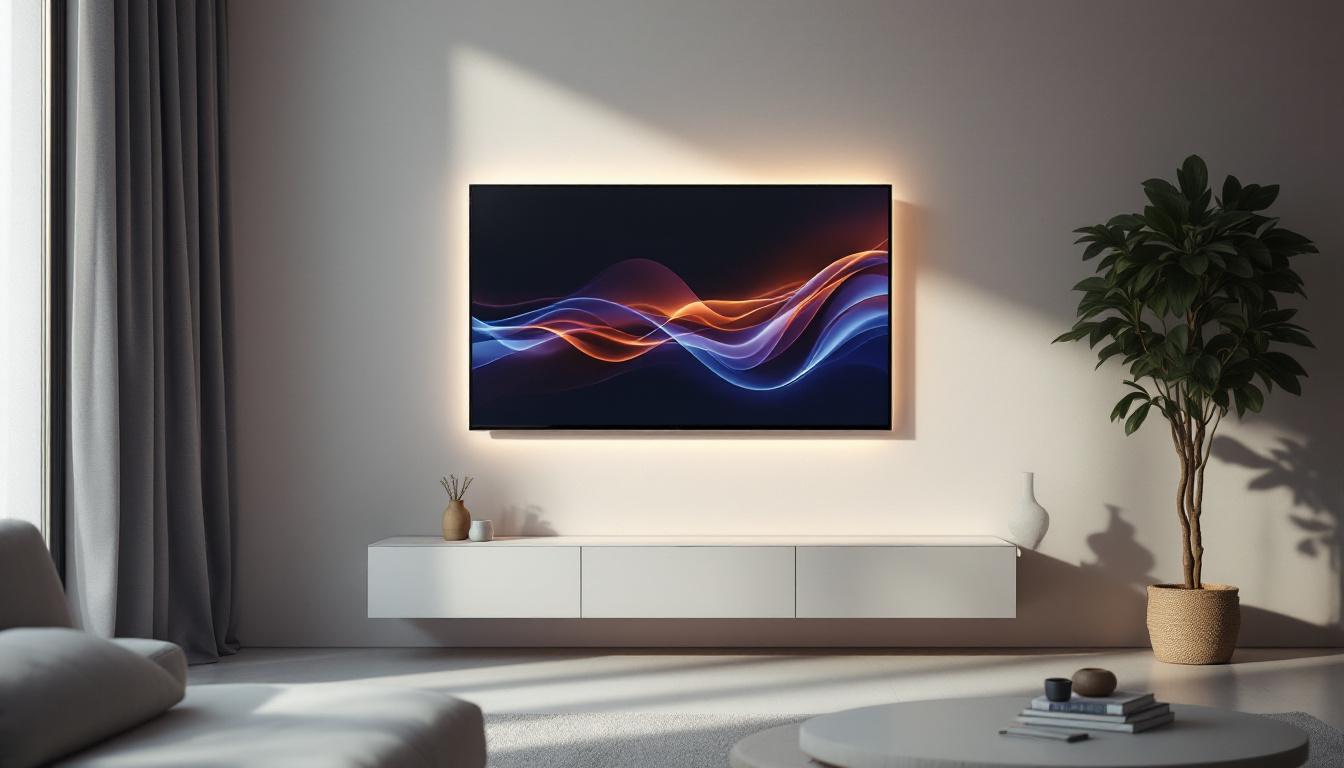
A 32-inch touch screen monitor is a display device that measures 32 inches diagonally and incorporates touch-sensitive technology, allowing users to interact directly with the screen using fingers or a stylus. This size strikes a balance between portability and screen real estate, making it suitable for a variety of applications.
Touch screen monitors come in various sizes, but the 32-inch variant is particularly popular because it offers a large enough display for detailed work without being overwhelmingly bulky. This makes it ideal for environments such as offices, retail spaces, educational institutions, and even home entertainment setups. The versatility of a 32-inch touch screen monitor allows it to serve multiple purposes, from interactive presentations in boardrooms to engaging educational tools in classrooms, enhancing both productivity and creativity.
Moreover, the increasing integration of smart technology in everyday devices has led to a surge in demand for touch screen monitors. With features like high-definition displays and advanced connectivity options, these monitors can seamlessly connect to various devices, including computers, tablets, and smartphones. This connectivity not only enhances user experience but also facilitates collaborative work, making it easier for teams to share ideas and presentations in real-time.
Touch Screen Technologies Explained
There are several types of touch technologies used in these monitors, including:
- Resistive Touch: Uses pressure applied to the screen to detect touch. It is durable and cost-effective but less sensitive and responsive compared to other technologies.
- Capacitive Touch: Detects touch through the electrical properties of the human body. It offers high sensitivity and supports multi-touch gestures, making it common in modern touch screens.
- Infrared Touch: Employs an array of IR LEDs and sensors around the screen edges to detect touch. It supports multi-touch and is highly durable, often used in public kiosks.
- Surface Acoustic Wave (SAW): Uses ultrasonic waves that are absorbed when the screen is touched. It provides excellent image clarity but can be affected by dust and water.
Among these, capacitive touch technology is the most prevalent in 32-inch touch screen monitors due to its responsiveness and multi-touch capabilities. This technology not only allows for a more fluid interaction but also supports advanced functionalities such as pinch-to-zoom and swipe gestures, which are essential for applications ranging from graphic design to gaming. Furthermore, the durability of capacitive screens makes them suitable for high-traffic environments where frequent use is expected, ensuring longevity and consistent performance.
As touch screen technology continues to evolve, manufacturers are also focusing on enhancing the user experience by integrating features such as anti-glare coatings and blue light filters. These enhancements not only improve visibility under various lighting conditions but also reduce eye strain during prolonged use. Additionally, many modern 32-inch touch screen monitors are designed with energy efficiency in mind, utilizing LED backlighting and other technologies to minimize power consumption while delivering vibrant colors and sharp images.
The Role of LED Display in Touch Screen Monitors
LED, or Light Emitting Diode, technology is a critical component in modern monitors, including touch screen displays. Unlike older LCDs that use cold cathode fluorescent lamps (CCFL) for backlighting, LED displays use LEDs, offering numerous advantages.
How LED Backlighting Works
In an LED display, the screen itself is made up of liquid crystals that modulate light to create images. The LEDs provide the backlighting necessary to illuminate these crystals. This backlighting can be arranged in two primary ways:
- Edge-Lit LED: LEDs are positioned around the edges of the screen, and light is diffused across the display. This design allows for thinner monitors but may have uneven brightness.
- Direct or Full-Array LED: LEDs are placed directly behind the screen in a grid pattern, providing more uniform brightness and better contrast, especially in high-end models.
Advantages of LED Displays in 32-Inch Touch Screen Monitors
LED displays offer several benefits that enhance the user experience:
- Improved Brightness and Contrast: LED backlighting provides brighter images and deeper blacks, which is crucial for visibility in brightly lit environments.
- Energy Efficiency: LEDs consume less power compared to CCFL backlighting, making these monitors more environmentally friendly and cost-effective over time.
- Slimmer Design: The compact size of LEDs allows manufacturers to produce thinner and lighter monitors, improving portability and aesthetics.
- Longer Lifespan: LEDs generally have a longer operational life, reducing the need for frequent replacements.
Key Features to Consider When Choosing a 32-Inch Touch Screen Monitor
When selecting a 32-inch touch screen monitor, understanding the critical features can help ensure the device meets specific needs and delivers optimal performance.
Resolution and Display Quality
The resolution determines the sharpness and clarity of the images displayed. For a 32-inch monitor, Full HD (1920×1080 pixels) is the most common resolution, offering good detail for most applications. However, higher resolutions like 4K UHD (3840×2160 pixels) are becoming more accessible and provide superior image quality, especially beneficial for graphic design, video editing, and detailed data visualization.
Additionally, consider the panel type. IPS (In-Plane Switching) panels offer better color accuracy and wider viewing angles compared to TN (Twisted Nematic) panels, making them preferable for professional use.
Touch Responsiveness and Accuracy
Responsiveness is critical for a smooth user experience. The monitor should support multi-touch gestures with minimal latency. Look for specifications such as touch response time and touch points supported. A high-quality capacitive touch screen typically supports 10 or more simultaneous touch points, enabling complex interactions.
Connectivity Options
Modern 32-inch touch screen monitors come with various connectivity ports to ensure compatibility with different devices:
- HDMI: Standard for high-definition video and audio transmission.
- DisplayPort: Provides higher bandwidth for better video quality and supports daisy-chaining multiple monitors.
- USB-C: Allows video, audio, data transfer, and power delivery through a single cable, simplifying connections.
- USB Ports: Useful for connecting peripherals such as keyboards, mice, or external storage devices.
Choosing a monitor with diverse connectivity options ensures flexibility in various setups.
Durability and Build Quality
Especially for commercial or public use, durability is a crucial factor. Look for monitors with robust glass, often tempered or chemically strengthened, to resist scratches and impacts. Some models offer IP-rated protection against dust and moisture, which is valuable in industrial or outdoor environments.
Applications of 32-Inch Touch Screen Monitors with LED Displays
The combination of a 32-inch size, touch capability, and LED display technology makes these monitors suitable for a wide range of applications across industries.
Business and Office Use
In corporate settings, 32-inch touch screen monitors are used for interactive presentations, video conferencing, and collaborative work. Their large screen size allows for detailed spreadsheets, complex diagrams, and simultaneous viewing of multiple applications. The touch interface enhances productivity by enabling direct manipulation of on-screen elements.
Retail and Hospitality
Many retail stores and restaurants employ 32-inch touch screen monitors as self-service kiosks or point-of-sale (POS) terminals. The bright LED display ensures visibility even in brightly lit environments, while touch functionality simplifies customer interactions, speeding up transactions and improving service quality.
Education and Training
Interactive learning is enhanced by large touch screen monitors. Teachers and trainers can use these displays for dynamic lessons, allowing students to engage directly with educational content. The LED display’s clarity and brightness ensure that visuals are easily seen from all parts of the classroom.
Creative and Design Work
Graphic designers, video editors, and digital artists benefit from the large, high-resolution touch screen monitors. The ability to use a stylus or finger to draw, edit, and manipulate images directly on the screen streamlines workflows and improves precision.
Gaming and Entertainment
For gamers and home entertainment enthusiasts, a 32-inch touch screen monitor with an LED display offers immersive visuals and interactive control. The vibrant colors and fast response times of LED technology enhance the gaming experience, while touch capabilities add new dimensions to gameplay.
Maintenance and Care Tips for Longevity
To ensure that a 32-inch touch screen monitor with an LED display performs optimally over time, proper maintenance is essential.
Cleaning the Screen
Use a soft, lint-free microfiber cloth to wipe the screen gently. Avoid harsh chemicals or abrasive materials that can damage the screen’s protective coating. For stubborn smudges, use a screen cleaner specifically designed for LED displays.
Protecting from Physical Damage
Place the monitor in a stable location to prevent falls or knocks. If used in public or industrial environments, consider protective screen covers or enclosures to shield against impacts and dust.
Managing Heat and Ventilation
Ensure that the monitor has adequate ventilation to prevent overheating, which can shorten its lifespan. Avoid placing it near heat sources or in direct sunlight for extended periods.
Future Trends in Touch Screen Monitor Technology
The landscape of touch screen monitors continues to evolve rapidly, driven by advancements in display and touch technologies.
Higher Resolutions and HDR Support
As 4K and even 8K displays become more affordable, expect 32-inch touch screen monitors to adopt these resolutions widely. High Dynamic Range (HDR) support will further enhance color depth and contrast, providing more lifelike images.
Flexible and Transparent Displays
Emerging technologies such as flexible OLED screens and transparent displays may redefine how touch screen monitors are used, enabling new form factors and interactive possibilities.
Improved Touch Sensitivity and Haptics
Future monitors may incorporate advanced haptic feedback to simulate textures and resistance, enriching the tactile experience of touch interactions.
Integration with AI and IoT
Touch screen monitors will increasingly integrate with artificial intelligence and Internet of Things (IoT) systems, enabling smarter, context-aware interactions and automation in various environments.
Conclusion
The 32-inch touch screen monitor with LED display is a versatile and powerful tool that bridges the gap between traditional computing and interactive technology. Its blend of size, touch responsiveness, and vibrant LED visuals makes it suitable for a broad spectrum of applications ranging from business and education to entertainment and retail.
Understanding the underlying technologies, key features, and practical uses can help consumers and professionals alike make informed decisions when selecting a monitor. As technology continues to advance, these monitors will only become more capable, intuitive, and integral to how people interact with digital content.
Investing in a quality 32-inch touch screen monitor with an LED display not only enhances productivity and engagement but also future-proofs your setup for the evolving digital landscape.
Discover LumenMatrix’s Advanced LED Display Solutions
Ready to elevate your interactive experience with a top-tier 32-inch touch screen monitor? LumenMatrix, a pioneer in LED display technology, offers an extensive array of innovative solutions tailored to meet your needs. From captivating Indoor LED Wall Displays to dynamic Outdoor LED Wall Displays, and from versatile Vehicle LED Displays to sleek LED Poster Displays, LumenMatrix is committed to transforming your visual communication. Explore our LED Sports Displays, interactive Floor LED Displays, and Custom LED solutions to create an unforgettable visual impact. Embrace the future of digital signage with our All-in-One and LED Transparent Displays. Don’t miss out on the opportunity to enhance engagement and captivate your audience. Check out LumenMatrix LED Display Solutions today and witness the revolution in visual storytelling.