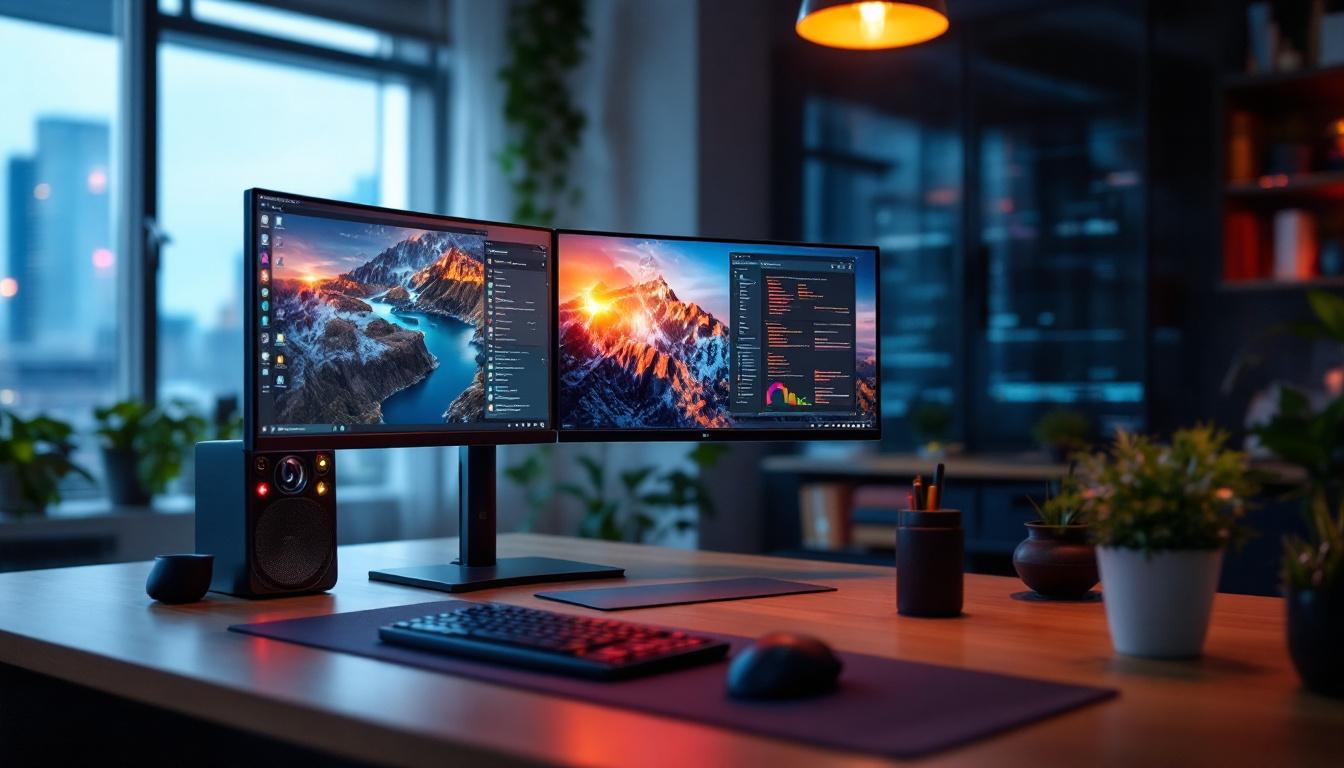
In today’s fast-paced digital world, having an efficient and ergonomic workspace is more important than ever. Whether you’re a professional gamer, a graphic designer, or someone who juggles multiple tasks daily, the right monitor setup can significantly enhance productivity and comfort. Among the popular configurations, a 34 inch triple monitor stand paired with LED displays has emerged as a top choice for many users seeking expansive screen real estate without sacrificing desk space.
This article delves into the nuances of 34 inch triple monitor stands, explores the benefits of LED displays, and provides practical insights to help you make an informed decision for your workspace.
Understanding the 34 Inch Triple Monitor Stand
A triple monitor stand designed for 34 inch screens is specifically engineered to support three ultra-wide monitors, each typically measuring 34 inches diagonally. These stands are built to accommodate the size and weight of larger displays, ensuring stability and ergonomic positioning. With the rise of remote work and gaming, these stands have become increasingly popular, allowing users to create a customized workstation that meets their specific needs. The design of these stands often includes features that promote better airflow and cable management, further enhancing the user experience.
Why Choose a Triple Monitor Setup?
Multiple monitors have become a staple in many professional and gaming environments. A triple monitor setup offers several advantages:
- Enhanced Productivity: Studies show that multi-monitor users can increase productivity by up to 42%, as they can multitask more efficiently without constantly switching between windows. This is particularly beneficial for professionals who need to analyze data, conduct research, or manage multiple projects simultaneously.
- Immersive Experience: For gamers and creative professionals, the extended field of view creates a more immersive and engaging experience. The seamless transition between screens allows for a more fluid gameplay or design workflow, making it easier to focus on intricate details.
- Better Organization: Having dedicated screens for different tasks—such as communication, reference materials, and active work—helps maintain focus and reduces clutter. This organization can lead to a more streamlined workflow, allowing users to access information quickly and efficiently.
Key Features of 34 Inch Triple Monitor Stands
When selecting a triple monitor stand for 34 inch displays, several features are crucial:
- Weight Capacity: Each arm should support the weight of a 34 inch monitor, which can range from 10 to 20 pounds depending on the model. This ensures that even the heaviest monitors are securely held in place, preventing any risk of tipping or damage.
- Adjustability: Height, tilt, swivel, and rotation adjustments allow for customized ergonomic positioning to reduce neck and eye strain. This flexibility is essential for users who spend long hours in front of their screens, as it promotes better posture and comfort.
- Build Quality: Durable materials such as steel or aluminum ensure longevity and stability. A well-constructed stand not only supports the monitors effectively but also withstands daily wear and tear, making it a worthwhile investment.
- Mounting Compatibility: Most monitors use the VESA mounting standard (typically 100×100 mm), so the stand must support this. This compatibility allows for easy installation and the ability to switch out monitors as needed.
- Desk Space Optimization: Clamping or grommet mounting options help save desk space and reduce clutter. By elevating the monitors off the desk surface, users can reclaim valuable workspace for other essentials, such as documents or office supplies.
Additionally, many triple monitor stands come equipped with integrated cable management systems, which help keep cords organized and out of sight. This feature not only enhances the aesthetic appeal of the workstation but also contributes to a safer environment by minimizing tripping hazards. Furthermore, some advanced models even offer built-in USB hubs or power outlets, providing convenient access to charging ports and reducing the need for additional power strips.
Another important aspect to consider is the aesthetic design of the monitor stand. Many manufacturers offer a variety of finishes and styles to match different office decors, from sleek and modern to more traditional looks. This attention to design allows users to create a cohesive and visually appealing workspace that reflects their personal style while maintaining functionality. In a world where remote work is increasingly common, having a well-designed and efficient workstation can significantly enhance both productivity and overall job satisfaction.
The Role of LED Displays in Triple Monitor Setups
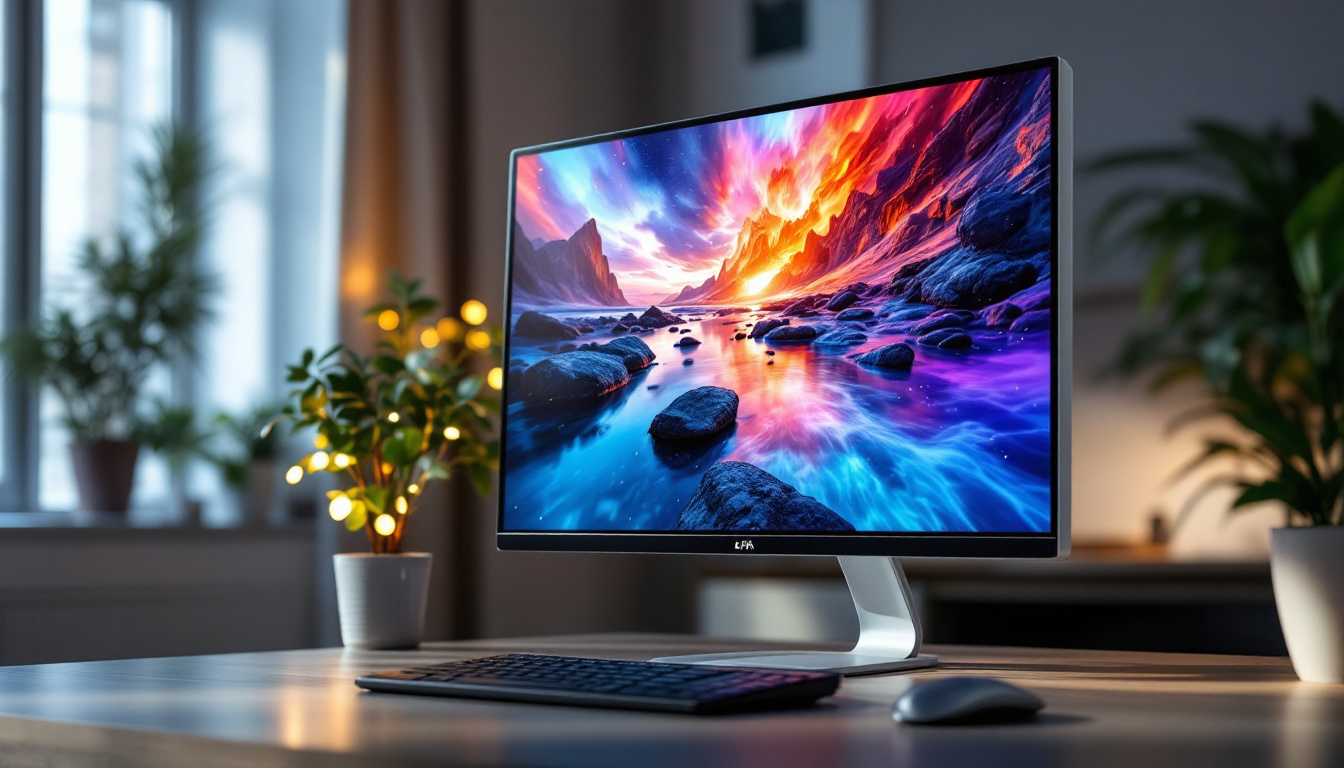
LED (Light Emitting Diode) displays have become the norm in modern monitors due to their superior image quality, energy efficiency, and slim profiles. Understanding how LED technology enhances a triple monitor setup is essential for maximizing your investment.
What Is an LED Display?
LED displays use light-emitting diodes as a backlight source for LCD (Liquid Crystal Display) panels. Unlike older CCFL (Cold Cathode Fluorescent Lamp) backlighting, LEDs provide brighter, more uniform lighting with lower energy consumption.
Advantages of LED Displays for 34 Inch Monitors
Choosing LED displays for your triple monitor setup offers several benefits:
- Improved Brightness and Contrast: LED backlighting allows for higher brightness levels and better contrast ratios, enhancing image clarity and color vibrancy.
- Energy Efficiency: LEDs consume less power, which is particularly important when running three large monitors simultaneously.
- Thinner and Lighter Panels: LED technology enables slimmer monitor designs, which are easier to mount and adjust on a triple monitor stand.
- Longer Lifespan: LEDs typically last longer than traditional backlighting methods, reducing the need for replacements.
Types of LED Backlighting
Not all LED displays are created equal. Understanding the different types of LED backlighting can help you choose the best monitors for your setup:
- Edge-Lit LED: LEDs are placed along the edges of the screen, allowing for thinner panels but sometimes resulting in uneven brightness.
- Full-Array LED: LEDs are distributed evenly behind the screen, providing better uniformity and local dimming capabilities, which improve contrast.
- Mini-LED: A newer technology featuring thousands of tiny LEDs for precise backlight control, delivering superior contrast and HDR performance.
Choosing the Right 34 Inch Monitors for Your Triple Stand
When assembling a triple monitor setup, selecting the right monitors is as important as the stand itself. Here are key considerations to keep in mind.
Resolution and Aspect Ratio
Most 34 inch monitors feature an ultra-wide 21:9 aspect ratio with resolutions commonly at 3440 x 1440 pixels. This resolution strikes a balance between screen real estate and sharpness, offering more horizontal workspace than traditional 16:9 monitors.
Higher resolution monitors, such as 5K ultrawide displays, are available but come at a premium price and may require powerful graphics hardware to drive three simultaneously.
Refresh Rate and Response Time
For gamers and video editors, refresh rate and response time are critical. Many 34 inch monitors offer refresh rates between 60Hz and 144Hz, with some gaming models reaching 175Hz or higher. Lower response times (1-5 ms) reduce motion blur and ghosting, enhancing the viewing experience.
Color Accuracy and Panel Type
Professionals in photography, video editing, and design should prioritize color accuracy. IPS (In-Plane Switching) panels are widely favored for their superior color reproduction and wide viewing angles compared to TN (Twisted Nematic) or VA (Vertical Alignment) panels.
Look for monitors with factory calibration and support for wide color gamuts such as AdobeRGB or DCI-P3.
Connectivity Options
Ensure that your monitors have the necessary ports to connect to your computer and peripherals. Common interfaces include HDMI, DisplayPort, USB-C, and Thunderbolt 3 or 4. USB hubs integrated into monitors can also help reduce cable clutter.
Ergonomics and Setup Tips for Triple Monitor Stands
Proper ergonomic setup is vital for comfort and long-term health when using multiple large monitors. Here are some guidelines to optimize your workspace.
Positioning for Comfort and Efficiency
The center monitor should be directly in front of you, with the two side monitors angled inward to create a slight curve. This arrangement reduces the need for excessive head turning and minimizes neck strain.
Adjust the height so that the top of the monitors is at or slightly below eye level. This helps maintain a natural neck posture.
Cable Management
Triple monitor setups can quickly become cluttered with cables. Many monitor stands include built-in cable management channels or clips to route cables neatly. Using cable ties and sleeves can further organize your workspace and prevent tangling.
Desk Space and Mounting Options
Depending on your desk size and preferences, choose between clamp mounts, grommet mounts, or freestanding bases. Clamp mounts attach to the edge of the desk and save space, while grommet mounts require a hole in the desk surface. Freestanding bases offer portability but take up more space.
Popular 34 Inch Triple Monitor Stand Models and LED Displays
Several brands have developed high-quality triple monitor stands and LED monitors that cater to different needs and budgets. Here are some noteworthy options:
Monitor Stands
- Ergotron LX Triple Display Lift Stand: Known for its robust build and smooth adjustability, this stand supports up to 24 pounds per arm and offers excellent cable management features.
- VIVO Triple Monitor Desk Mount: A budget-friendly option with gas spring arms for flexible positioning and VESA compatibility up to 27 inches, often used with 34 inch monitors as well.
- Mount-It! Triple Monitor Mount: Supports large ultrawide monitors with adjustable arms and a sturdy desk clamp, suitable for heavier displays.
LED Monitors
- LG 34WN80C-B: A 34 inch ultrawide LED monitor with an IPS panel, 3440 x 1440 resolution, and excellent color accuracy, ideal for professionals.
- Samsung Odyssey G5 34”: A curved LED gaming monitor with 165Hz refresh rate and 1ms response time, perfect for immersive gaming setups.
- Dell UltraSharp U3419W: Offers a wide color gamut, USB-C connectivity, and factory calibration, making it a versatile choice for office and creative work.
Conclusion: Maximizing Your Workspace with a 34 Inch Triple Monitor Stand and LED Displays
Investing in a 34 inch triple monitor stand combined with high-quality LED displays can transform your workspace into a powerhouse of productivity and creativity. The expansive screen area, coupled with the ergonomic benefits of adjustable stands and the superior image quality of LED technology, creates an environment that supports both comfort and efficiency.
When selecting your setup, consider your specific needs—whether it’s gaming performance, color accuracy for design work, or general multitasking—and balance these with your budget. Prioritize features such as adjustability, build quality, and display specifications to ensure a seamless and enjoyable experience.
Ultimately, a well-planned triple monitor setup not only enhances your workflow but also contributes to better posture and reduced eye strain, making long hours at the desk more sustainable and enjoyable.
Enhance Your Triple Monitor Setup with LumenMatrix
Ready to elevate your workspace with a triple monitor stand and exceptional LED displays? LumenMatrix, a pioneer in LED display technology, offers a wide array of innovative solutions tailored to meet your needs. From immersive Indoor LED Wall Displays to dynamic Outdoor LED Wall Displays, our products are designed to maximize your visual experience and productivity. Embrace the future of visual communication with LumenMatrix and transform your environment into a captivating and efficient space. Check out LumenMatrix LED Display Solutions today and see the difference for yourself.