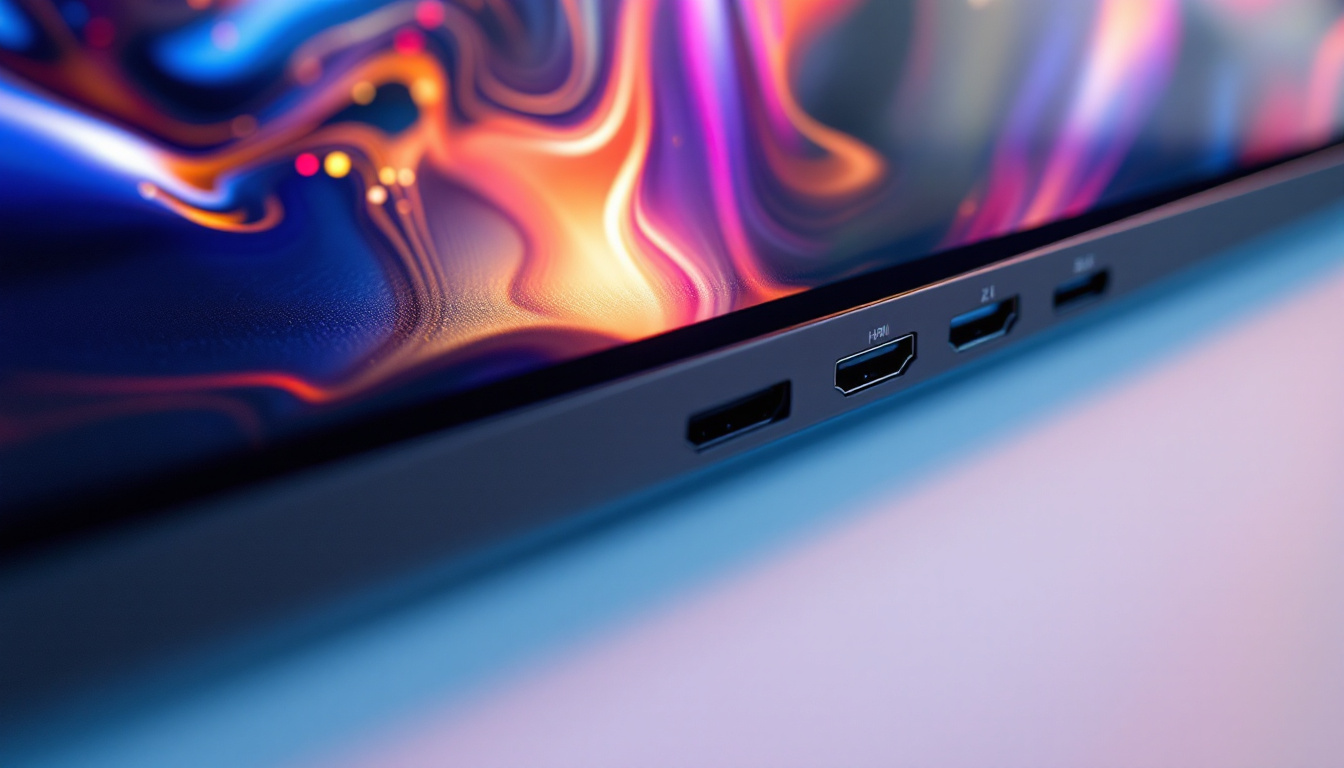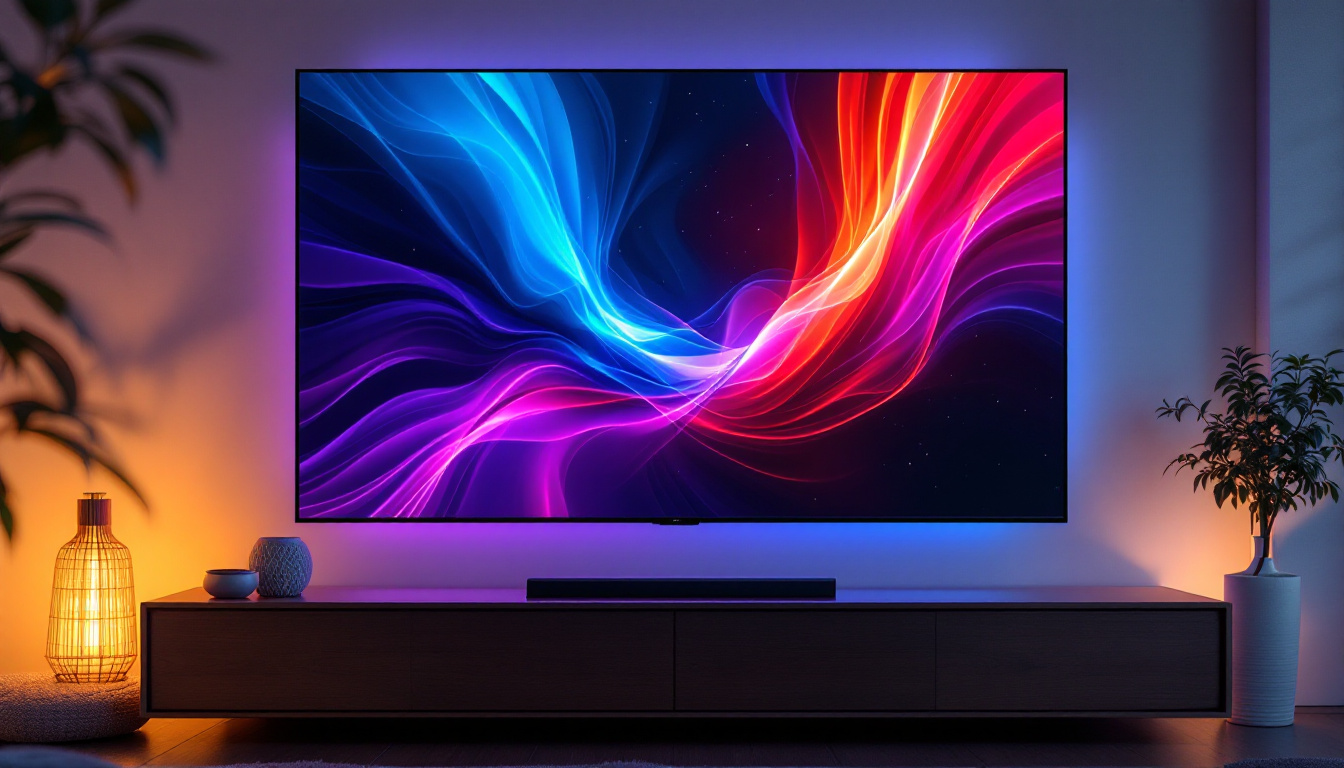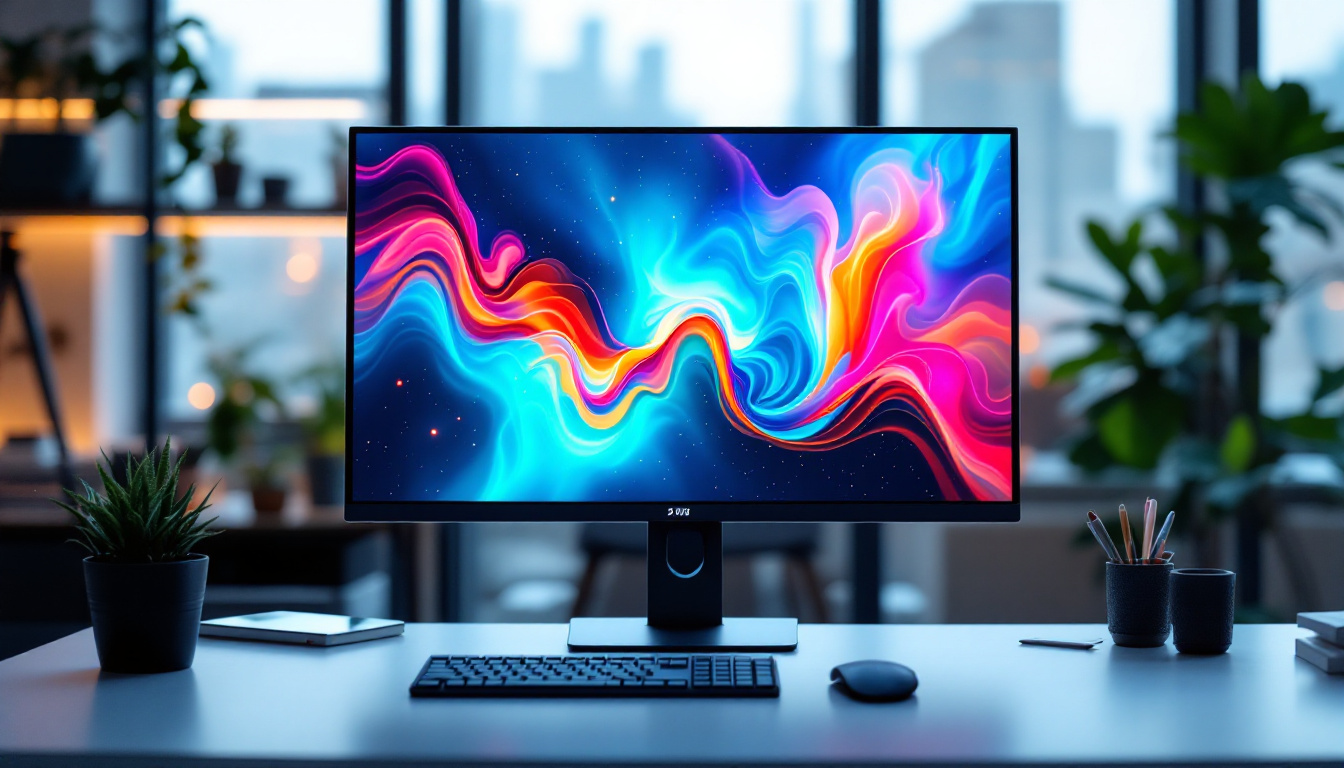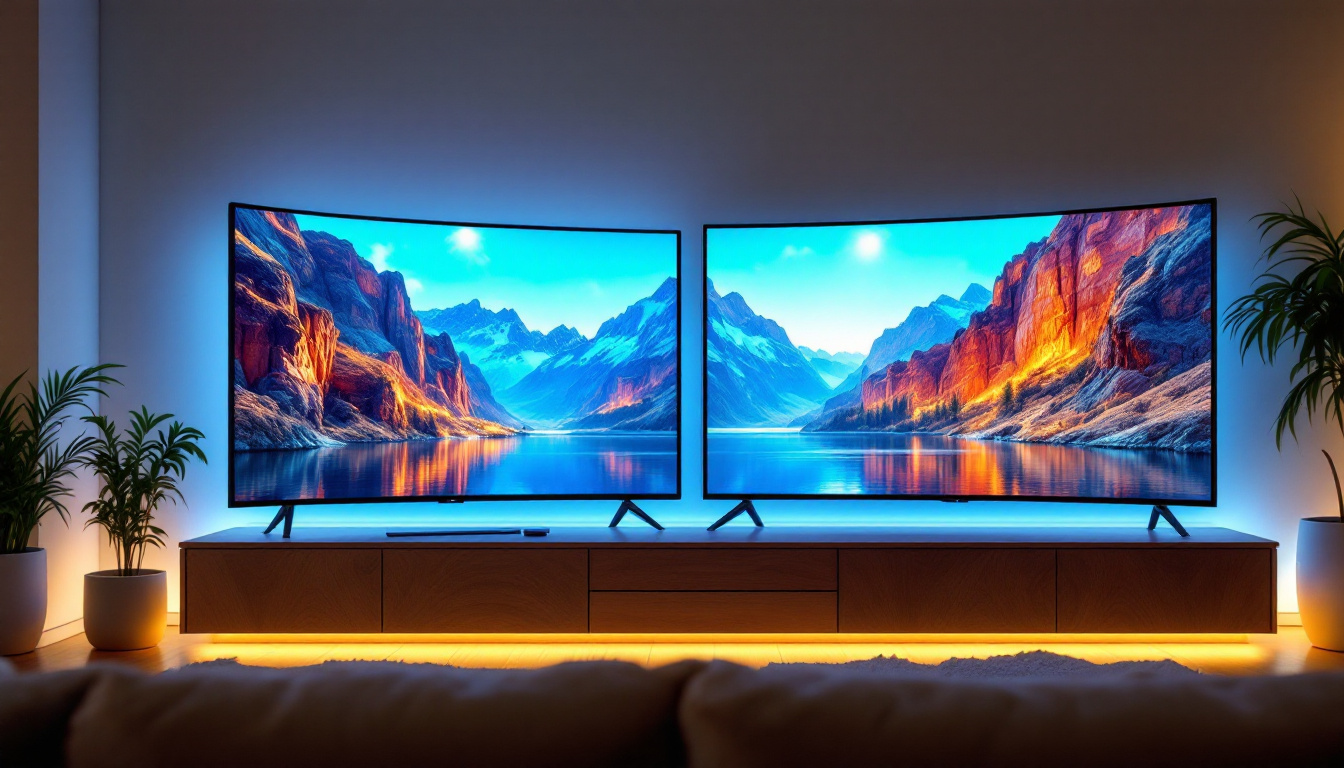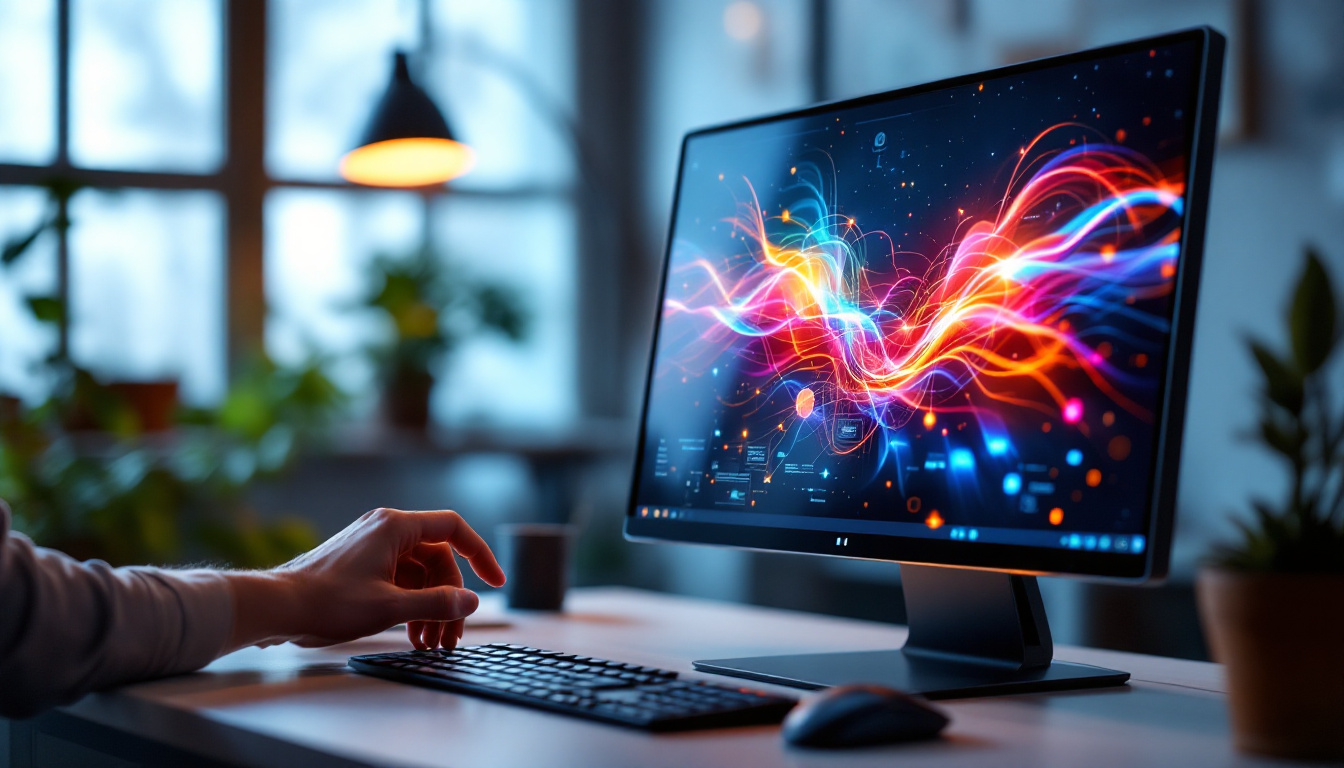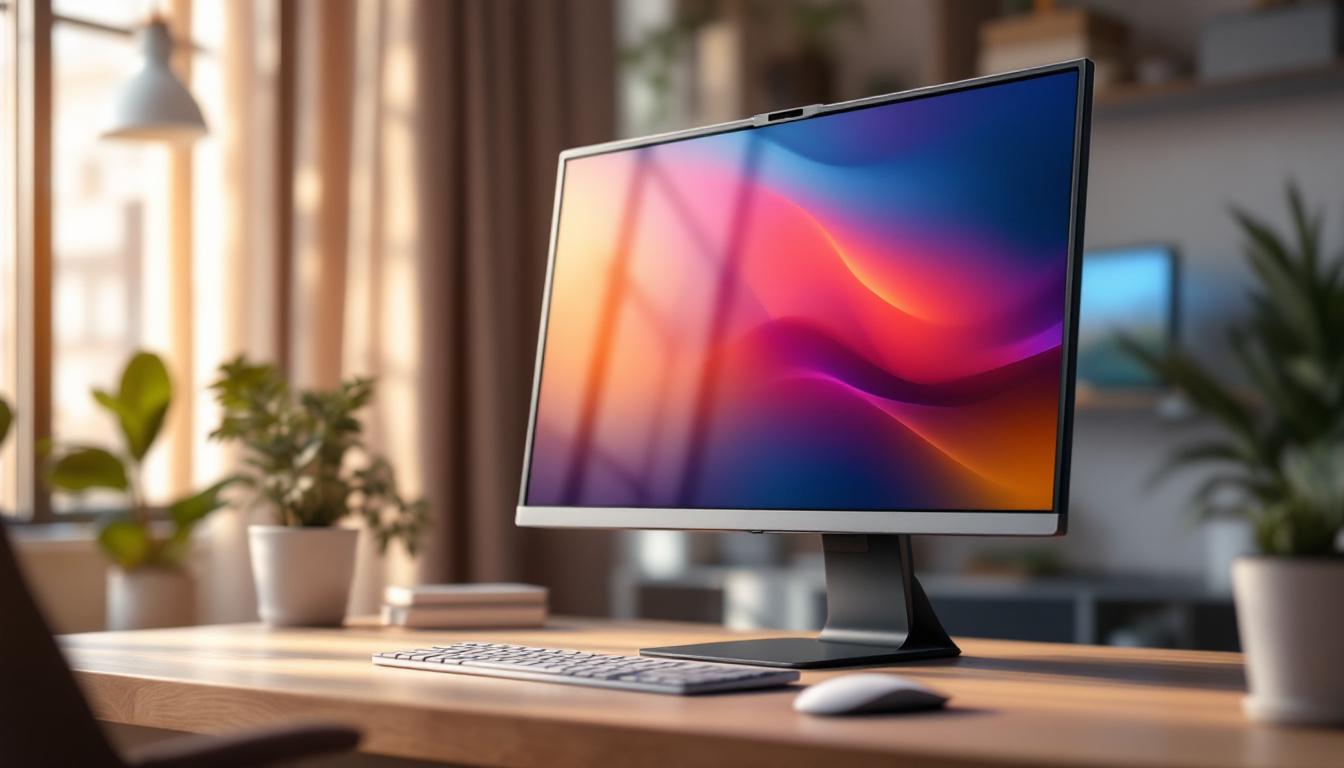
In today’s digital age, the desktop monitor is more than just a screen—it’s a window into work, entertainment, and creativity. Among the myriad options available, the 32-inch LED desktop display has gained significant popularity, striking a balance between screen real estate and user comfort. This article delves into the world of 32-inch LED displays, exploring their technology, advantages, and what makes them a preferred choice for professionals and casual users alike.
Understanding LED Display Technology
What is an LED Display?
LED stands for Light Emitting Diode, a technology that uses tiny semiconductor diodes to emit light when an electric current passes through them. In the context of desktop monitors, LED displays are actually LCD (Liquid Crystal Display) panels that use LED backlighting instead of older CCFL (Cold Cathode Fluorescent Lamp) backlights. This subtle but crucial difference results in better brightness, contrast, and energy efficiency.
Unlike traditional LCDs that rely on fluorescent tubes, LED-backlit displays use an array of LEDs placed either behind the screen (full-array) or along its edges (edge-lit). This setup enables thinner designs, more precise lighting control, and improved color accuracy. The result is a sharper, more vibrant image that enhances the overall viewing experience.
Types of LED Displays
When shopping for a 32-inch LED desktop monitor, understanding the types of LED backlighting is essential. The two primary types are:
- Edge-Lit LED: LEDs are positioned along the edges of the screen, and light is diffused across the display. These monitors tend to be thinner and more affordable but may have uneven brightness or contrast in some cases.
- Full-Array LED: LEDs are distributed evenly behind the entire screen. This allows for localized dimming zones, enhancing contrast ratios and black levels. Full-array LED displays usually offer superior picture quality but come at a higher price point.
Additionally, some advanced monitors use Mini-LED technology, which incorporates thousands of tiny LEDs for even more precise backlighting control, pushing image quality closer to OLED standards without the risk of burn-in.
The Appeal of a 32-Inch Screen Size
Why Choose 32 Inches?
The 32-inch desktop monitor size has become a sweet spot for many users, offering a generous viewing area without overwhelming desk space. This size is particularly favored by professionals who require ample screen real estate for multitasking, such as graphic designers, video editors, programmers, and financial analysts.
Compared to smaller monitors (24 or 27 inches), a 32-inch display allows for more windows and applications to be open simultaneously, reducing the need for constant alt-tabbing or switching between tabs. This can significantly enhance productivity and workflow efficiency.
Ergonomics and Viewing Distance
Ergonomics play a vital role when selecting a monitor size. For a 32-inch display, the recommended viewing distance is typically between 24 to 36 inches (about 60 to 90 cm). Sitting too close can cause eye strain due to the large screen size, while sitting too far may negate the benefits of the increased screen area.
Many 32-inch monitors come with adjustable stands that allow users to modify height, tilt, and swivel, ensuring comfortable viewing angles. Some models also support VESA mounts, enabling users to attach the monitor to custom arms or wall mounts for optimal positioning.
Key Features of 32-Inch LED Desktop Monitors
Resolution and Pixel Density
Resolution is a critical factor in determining image clarity. For a 32-inch monitor, common resolutions include:
- Full HD (1920 x 1080): While still prevalent, Full HD on a 32-inch screen results in a lower pixel density (~69 PPI), which can make images and text appear less sharp compared to smaller monitors.
- QHD / 2K (2560 x 1440): This resolution offers a better balance of sharpness and performance, with a pixel density around 92 PPI. It’s often considered the optimal resolution for 32-inch displays.
- 4K UHD (3840 x 2160): 4K monitors provide exceptional detail with a pixel density of approximately 138 PPI on a 32-inch screen, ideal for professionals working with high-resolution images or video editing.
Choosing the right resolution depends on the intended use. For general office work and casual use, QHD is often sufficient. However, for detailed creative work or gaming, 4K can provide a noticeable improvement in image fidelity.
Color Accuracy and Panel Types
The type of LCD panel used in a 32-inch LED monitor significantly influences color reproduction, viewing angles, and response times. The most common panel types include:
- IPS (In-Plane Switching): Known for excellent color accuracy and wide viewing angles, IPS panels are preferred by professionals in graphic design, photography, and video editing. They tend to have slightly slower response times than TN panels but offer superior image quality.
- VA (Vertical Alignment): VA panels offer better contrast ratios and deeper blacks than IPS but may have narrower viewing angles. They are a good middle ground, suitable for multimedia consumption and general productivity.
- TN (Twisted Nematic): TN panels boast the fastest response times and are often favored by competitive gamers. However, they have limited color accuracy and narrow viewing angles, making them less ideal for professional work.
For users prioritizing color accuracy, look for monitors that cover a wide color gamut, such as 99% sRGB or AdobeRGB, and support hardware calibration.
Refresh Rate and Response Time
While refresh rate and response time are more critical in gaming, they can affect overall user experience. Most 32-inch LED monitors offer a 60 Hz refresh rate, which is adequate for everyday use. However, gaming-oriented models may provide 120 Hz, 144 Hz, or even higher refresh rates for smoother motion and reduced input lag.
Response time, measured in milliseconds (ms), indicates how quickly a pixel can change color. Lower response times reduce motion blur and ghosting effects, especially important in fast-paced gaming or video editing scenarios.
Advantages of LED Displays Over Other Technologies
Energy Efficiency and Environmental Impact
One of the key advantages of LED displays is their energy efficiency. Compared to older CCFL-backlit LCDs, LED monitors consume significantly less power, which not only reduces electricity bills but also lowers the environmental footprint. According to the U.S. Department of Energy, LED-backlit displays can use up to 40% less energy than CCFL counterparts.
Moreover, LEDs do not contain mercury, making them safer to dispose of and more environmentally friendly. This aligns with increasing consumer demand for sustainable technology products.
Improved Brightness and Contrast
LED backlighting enables higher brightness levels and better contrast ratios. This makes LED displays more suitable for use in brightly lit environments, such as offices with large windows or rooms with overhead lighting. Enhanced contrast also improves the visibility of fine details in images and videos, enriching the overall visual experience.
Longer Lifespan and Durability
LED monitors generally have a longer lifespan compared to other display technologies. The LEDs used for backlighting can last upwards of 50,000 hours, meaning a typical user can expect several years of reliable performance without noticeable degradation in brightness or color quality.
Choosing the Right 32-Inch LED Monitor for Your Needs
Professional Use
For professionals such as graphic designers, video editors, and photographers, color accuracy and resolution are paramount. A 32-inch LED monitor with an IPS panel, 4K resolution, and wide color gamut coverage is ideal. Features like hardware calibration support and HDR (High Dynamic Range) capabilities further enhance color fidelity and dynamic range.
Brands like Dell UltraSharp, Eizo ColorEdge, and BenQ PD series are well-regarded in the professional space for their color precision and build quality.
Gaming and Entertainment
Gamers and multimedia enthusiasts benefit from higher refresh rates (120 Hz or above) and lower response times. Many 32-inch LED monitors designed for gaming also include adaptive sync technologies such as NVIDIA G-SYNC or AMD FreeSync to reduce screen tearing and stuttering.
Additionally, a VA panel with high contrast ratios can improve dark scene visibility in games and movies. Some popular gaming monitors in this size range come from brands like ASUS ROG, Acer Predator, and LG UltraGear.
General Productivity and Home Use
For everyday office tasks, web browsing, and media consumption, a 32-inch LED monitor with QHD resolution and an IPS or VA panel is usually sufficient. These monitors offer a good balance of image quality, screen size, and affordability.
Features such as built-in speakers, USB hubs, and ergonomic stands can add convenience for home office setups. Brands like HP, Samsung, and ViewSonic offer competitive models in this category.
Future Trends in 32-Inch LED Displays
Mini-LED and MicroLED Technologies
Emerging backlighting technologies like Mini-LED and MicroLED are set to revolutionize desktop displays. Mini-LED uses thousands of small LEDs to provide precise local dimming, resulting in deeper blacks and higher contrast ratios, approaching OLED quality without the risk of burn-in.
MicroLED, still in early stages of adoption, offers self-emissive pixels similar to OLED but with greater brightness and longevity. These technologies promise to enhance the visual experience on 32-inch monitors in the coming years.
Higher Refresh Rates and Variable Refresh Rate Support
As gaming and multimedia content continue to evolve, higher refresh rates beyond 144 Hz and broader support for variable refresh rate technologies will become more common in 32-inch monitors. This will benefit not only gamers but also users who consume high-frame-rate video content.
Integration with Smart Features
Future 32-inch LED monitors may integrate smart features such as voice control, AI-driven display adjustments, and enhanced connectivity options like USB-C with power delivery and Thunderbolt support. These advancements will make monitors more versatile and user-friendly.
Conclusion
The 32-inch LED desktop monitor represents a versatile and powerful tool for a wide range of users. Its size offers an ideal balance between immersive viewing and ergonomic comfort, while LED backlighting ensures energy efficiency, vibrant colors, and long-lasting performance. Whether for professional creative work, gaming, or everyday productivity, understanding the nuances of LED technology, resolution, panel types, and additional features can help users make informed decisions and select the perfect display for their needs.
As display technology continues to advance, 32-inch LED monitors are poised to remain a popular choice, evolving with innovations that enhance visual quality and user experience. Investing in a high-quality 32-inch LED monitor today can provide years of reliable service and an enjoyable, productive digital environment.
Discover LumenMatrix’s Advanced LED Display Solutions
Ready to elevate your visual experience with a 32-inch LED monitor that embodies innovation and quality? Look no further than LumenMatrix, a pioneer in LED display technology. Our extensive range of products, from Indoor and Outdoor LED Wall Displays to specialized solutions like Vehicle and Sports LED Displays, is designed to bring your content to life with unparalleled brightness and clarity. Embrace the future of digital signage with our All-in-One LED Displays and Custom LED solutions that promise to transform your professional creative work, gaming, and everyday productivity. Check out LumenMatrix LED Display Solutions and join the revolution in visual communication today.