Rack Mount HDMI Switch: LED Display Explained
In modern audiovisual setups, especially in professional environments such as broadcast studios, conference rooms, and data centers, the need for efficient signal management is paramount. A rack mount HDMI switch is a key component that enables seamless switching between multiple HDMI sources, routing signals to displays or recording devices without hassle. One of the most critical features of these switches is the LED display, which provides users with essential visual feedback about the device’s status and operation.
This article delves into the intricacies of rack mount HDMI switches, focusing on the LED display functionality. By understanding how these LED indicators work and what information they convey, users can optimize their AV setups, troubleshoot issues quickly, and ensure smooth operation.
Understanding Rack Mount HDMI Switches
What Is a Rack Mount HDMI Switch?
A rack mount HDMI switch is a hardware device designed to connect multiple HDMI sources—such as computers, media players, cameras, or gaming consoles—to a single HDMI output, typically a monitor, projector, or video wall. Unlike consumer-grade HDMI switches, rack mount models are built for professional use, offering robust construction, higher input/output counts, and integration into standard 19-inch equipment racks.
These switches enable users to select which HDMI source is transmitted to the display without manually unplugging and reconnecting cables. This capability is invaluable in environments where multiple content sources must be managed efficiently, such as live events, control rooms, or multi-screen presentations. For instance, in a live broadcasting scenario, a rack mount HDMI switch allows operators to seamlessly transition between various video feeds, ensuring a smooth viewing experience for the audience while maintaining the technical integrity of the broadcast.
Furthermore, the versatility of rack mount HDMI switches extends beyond just video feeds. They can also be integrated with audio systems, allowing for a comprehensive multimedia experience. In corporate environments, these switches can facilitate presentations by enabling presenters to switch between different laptops or media players effortlessly, thus enhancing the overall flow of the presentation and minimizing downtime.
Key Features of Rack Mount HDMI Switches
Most rack mount HDMI switches come equipped with several features designed to enhance usability and reliability:
- Multiple Inputs and Outputs: Common configurations include 4×1, 8×1, or even 16×1 switches, allowing numerous HDMI sources to be connected.
- Remote Control Options: Many models support IR remote controls, RS-232 commands, or Ethernet-based control for integration with automation systems.
- High-Resolution Support: Support for 4K UHD, HDR, and HDCP compliance ensures compatibility with modern video standards.
- EDID Management: Extended Display Identification Data (EDID) handling allows the switch to communicate display capabilities back to the source devices.
- LED Displays and Indicators: Visual feedback through LEDs or digital displays helps users monitor input selection and device status.
In addition to these features, many rack mount HDMI switches also offer advanced audio extraction capabilities, allowing users to separate audio signals from video outputs. This is particularly useful in professional audio-visual setups where sound quality is paramount. Users can route audio to dedicated sound systems while sending video to displays, ensuring that both elements are optimized for their respective environments. Moreover, some models include built-in scaling technology, which adjusts the resolution of the output signal to match the display’s capabilities, thereby preventing issues such as distortion or lag that can occur when mismatched resolutions are used.
Another notable feature is the ability to daisy-chain multiple switches together, which can significantly expand the number of sources and outputs available in a system. This flexibility is essential for large installations, such as in stadiums or conference centers, where a wide range of content needs to be displayed across various screens. Additionally, many rack mount HDMI switches are designed with cooling systems to prevent overheating during extended use, ensuring reliability and longevity in demanding environments.
The Role of LED Displays on Rack Mount HDMI Switches
Why LED Displays Matter
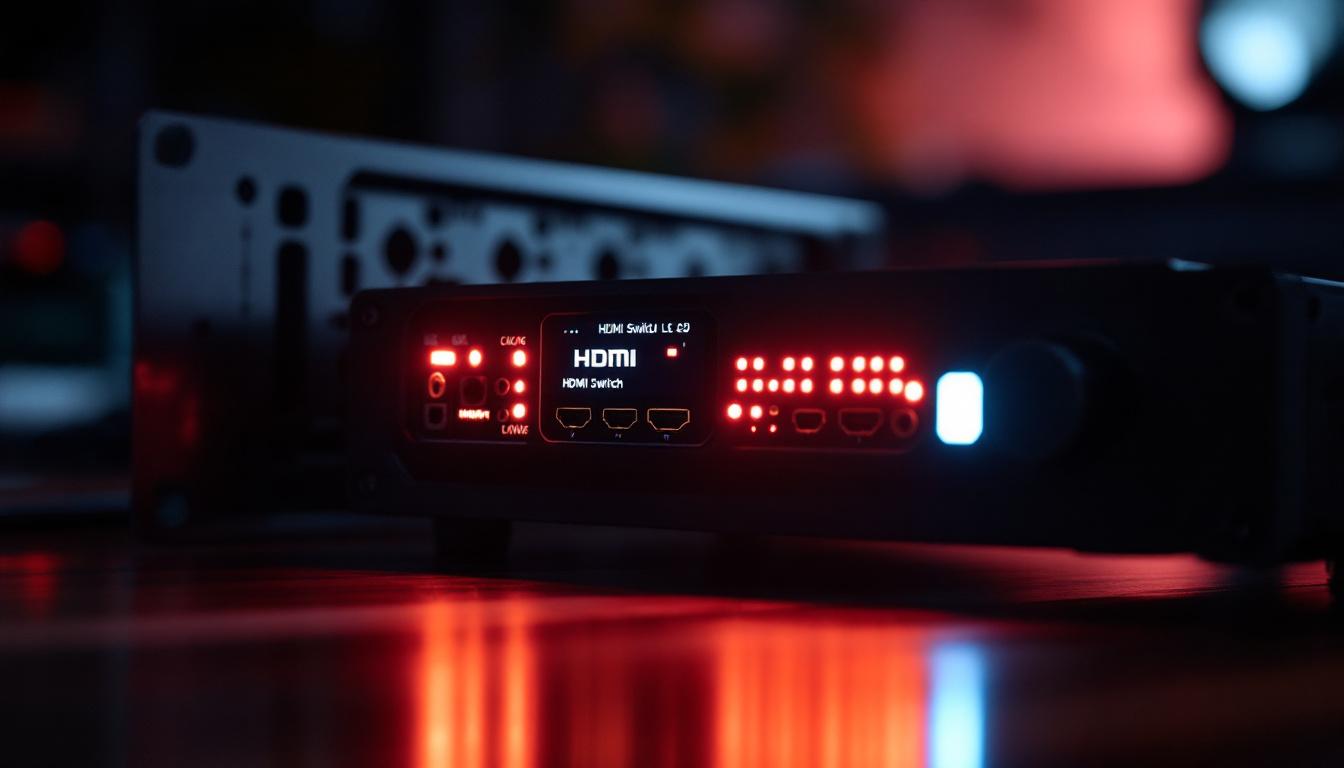
In professional AV setups, quick and clear information about device status is essential. The LED display on a rack mount HDMI switch serves as the primary interface for users to understand which input is active, whether the device is powered on, and if any errors or warnings are present.
Unlike consumer switches that may only have simple LED lights indicating power or input selection, rack mount switches often feature multi-segment LED displays or alphanumeric indicators. These displays provide more detailed information, reducing the need to refer to external control systems or manuals.
Common Types of LED Displays
Rack mount HDMI switches typically employ several types of LED display configurations:
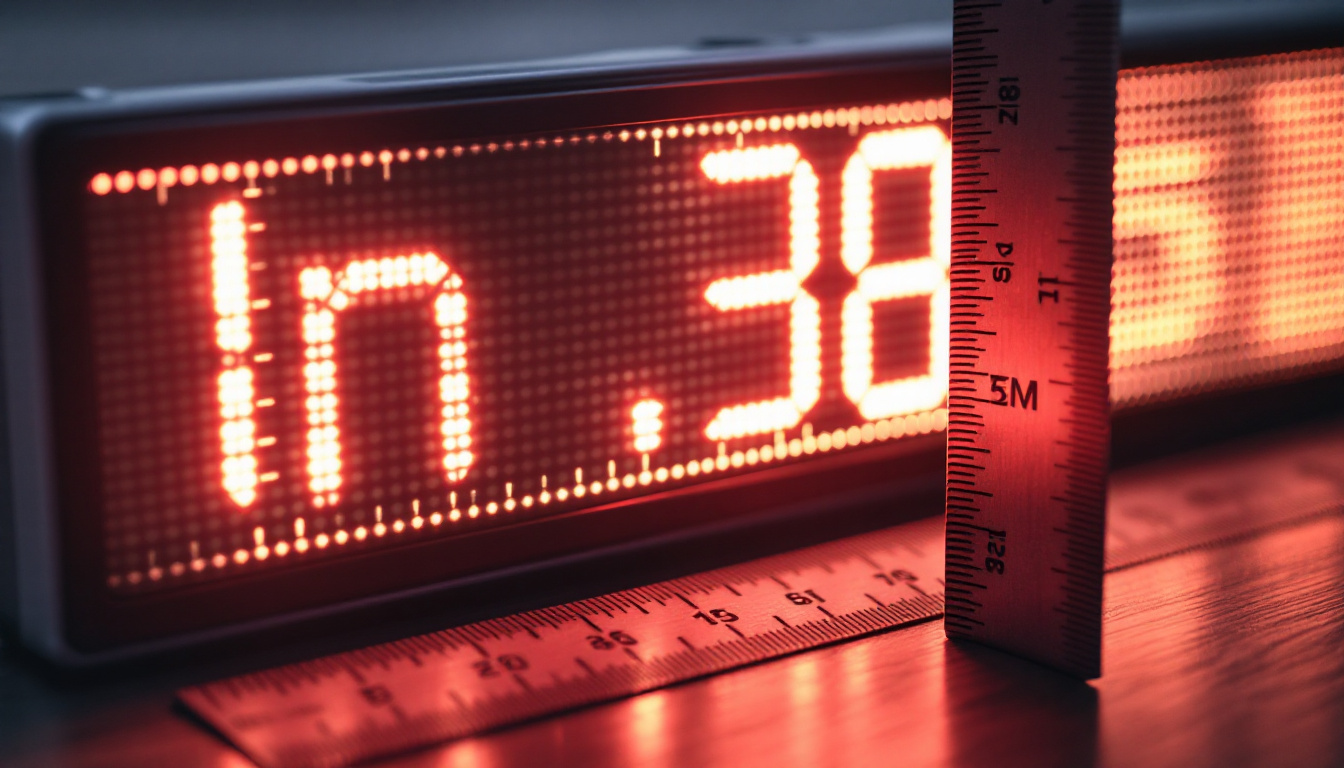
- Numeric LED Displays: These show the active input number, making it easy to identify which source is currently routed.
- Segmented LED Indicators: Often used to represent inputs and outputs visually, with specific LEDs lighting up to indicate status.
- Alphanumeric Displays: More advanced switches may include small LCD or OLED screens capable of displaying text such as input names, resolution details, or error codes.
The choice of display type depends on the complexity of the switch and the intended use case. For instance, a simple 4×1 switch might only need numeric LEDs, while an 8×1 or 16×1 model could benefit from alphanumeric displays for easier management.
Interpreting LED Signals
Understanding what the LED display communicates is crucial for effective operation. Typically, the LED display will indicate:
- Active Input: The number or name of the HDMI source currently selected.
- Power Status: Whether the device is powered on or in standby mode.
- Signal Detection: LEDs may blink or change color to show if a valid HDMI signal is detected on an input.
- Error Indicators: Some switches use LED patterns to alert users to issues such as HDCP handshake failures, unsupported resolutions, or connection problems.
For example, a steady green LED next to input 3 might indicate that input 3 is active and transmitting a valid signal, while a blinking red LED could signal a handshake failure or no signal detected.
Practical Applications and Benefits of LED Displays in Rack Mount HDMI Switches
Streamlining AV Operations
In environments such as broadcast studios or corporate boardrooms, time is often of the essence. LED displays allow operators to quickly verify which source is live without needing to check the connected display or use software interfaces. This immediate feedback reduces downtime and minimizes errors during live presentations or broadcasts.
Facilitating Troubleshooting
When signal issues arise, LED indicators provide the first line of diagnostics. For instance, if an expected input’s LED does not light up, it may indicate a cable problem or source malfunction. Error codes displayed on alphanumeric screens can guide technicians toward specific issues, speeding up repair and maintenance.
Enhancing User Experience
For integrators and end-users alike, the presence of a clear LED display simplifies the learning curve. Users can confidently switch inputs knowing exactly which source is active, improving overall satisfaction and reducing support calls.
Technical Insights: How LED Displays Work in HDMI Switches
Hardware Components Behind the LED Display
The LED display in a rack mount HDMI switch is driven by an embedded microcontroller or processor that monitors input signals and controls the LEDs accordingly. This microcontroller receives data from the HDMI input detection circuitry and power management modules to update the display in real time.
In more sophisticated models, the display may be connected via serial communication protocols such as I2C or SPI, allowing for complex information to be shown, including input labels, resolution, and status messages.
Integration with Control Systems
Many professional HDMI switches integrate with centralized control systems via RS-232, IP, or USB interfaces. The LED display often mirrors or complements the information shown in software control panels, providing a hardware-based confirmation of commands sent remotely.
This dual feedback mechanism ensures that users can verify switch status both locally at the rack and remotely, enhancing operational confidence.
Choosing the Right Rack Mount HDMI Switch with LED Display
Factors to Consider
Selecting the appropriate HDMI switch depends on several factors, including:
- Number of Inputs and Outputs: Determine how many sources need to be connected and how many displays will receive the signal.
- Display Type and Clarity: Consider whether a simple numeric LED is sufficient or if a more detailed alphanumeric display is necessary for your application.
- Resolution and HDCP Support: Ensure the switch supports the video standards required, such as 4K at 60Hz, HDR10, or HDCP 2.2 compliance.
- Control Options: Evaluate if remote control via IR, RS-232, or network is needed, and how the LED display integrates with these controls.
- Build Quality and Rack Compatibility: Since these devices are installed in racks, ensure the switch fits standard 19-inch racks and is built for durability.
Popular Use Cases
Rack mount HDMI switches with LED displays are widely used in:
- Broadcast Facilities: Managing multiple camera feeds and playback sources.
- Corporate AV Systems: Switching between presenter laptops and video conferencing equipment.
- Educational Institutions: Controlling AV inputs in lecture halls and auditoriums.
- Control Rooms: Monitoring and switching between various data and video sources.
Maintenance and Best Practices for LED Displays on HDMI Switches
Regular Inspection and Cleaning
LED displays are generally low-maintenance, but keeping the switch clean and dust-free ensures visibility and longevity. Use a soft, dry cloth to wipe the display and avoid harsh chemicals that could damage the LEDs or display surface.
Firmware Updates and Calibration
Manufacturers occasionally release firmware updates that can improve LED display functionality or add new features. Regularly check for updates and follow instructions to keep the device current.
Some advanced switches allow calibration of the LED display brightness or contrast, which can be useful in environments with varying lighting conditions.
Handling Faulty LED Displays
If the LED display malfunctions—such as flickering, dimming, or failing to show correct information—consult the user manual for troubleshooting steps. In many cases, power cycling the device or resetting to factory settings resolves minor glitches.
Persistent issues may require professional repair or replacement, especially if the display is integral to device operation.
Conclusion
Rack mount HDMI switches are indispensable tools in professional AV environments, enabling efficient management of multiple HDMI sources. The LED display on these switches plays a vital role by providing immediate, clear visual feedback about device status, active inputs, and potential errors. Understanding the types of LED displays, their functions, and how to interpret their signals empowers users to operate their AV systems more effectively.
When selecting a rack mount HDMI switch, careful consideration of the LED display’s capabilities alongside other technical features ensures the device meets the specific needs of the installation. Proper maintenance and familiarity with LED indicators further enhance reliability and user experience.
In an era where audiovisual quality and operational efficiency are critical, the LED display on a rack mount HDMI switch is more than just a set of lights—it is a window into the health and performance of the entire AV system.
Discover LumenMatrix’s Advanced LED Display Solutions
Now that you understand the importance of LED displays in rack mount HDMI switches for professional AV systems, take the next step in enhancing your visual communication with LumenMatrix. Explore our innovative LED display technology, designed to create immersive experiences and deliver your content with unparalleled clarity. From indoor and outdoor walls to custom and transparent displays, LumenMatrix offers a wide range of solutions to meet your specific needs. Check out LumenMatrix LED Display Solutions today and see how we can help you captivate your audience and elevate your brand.