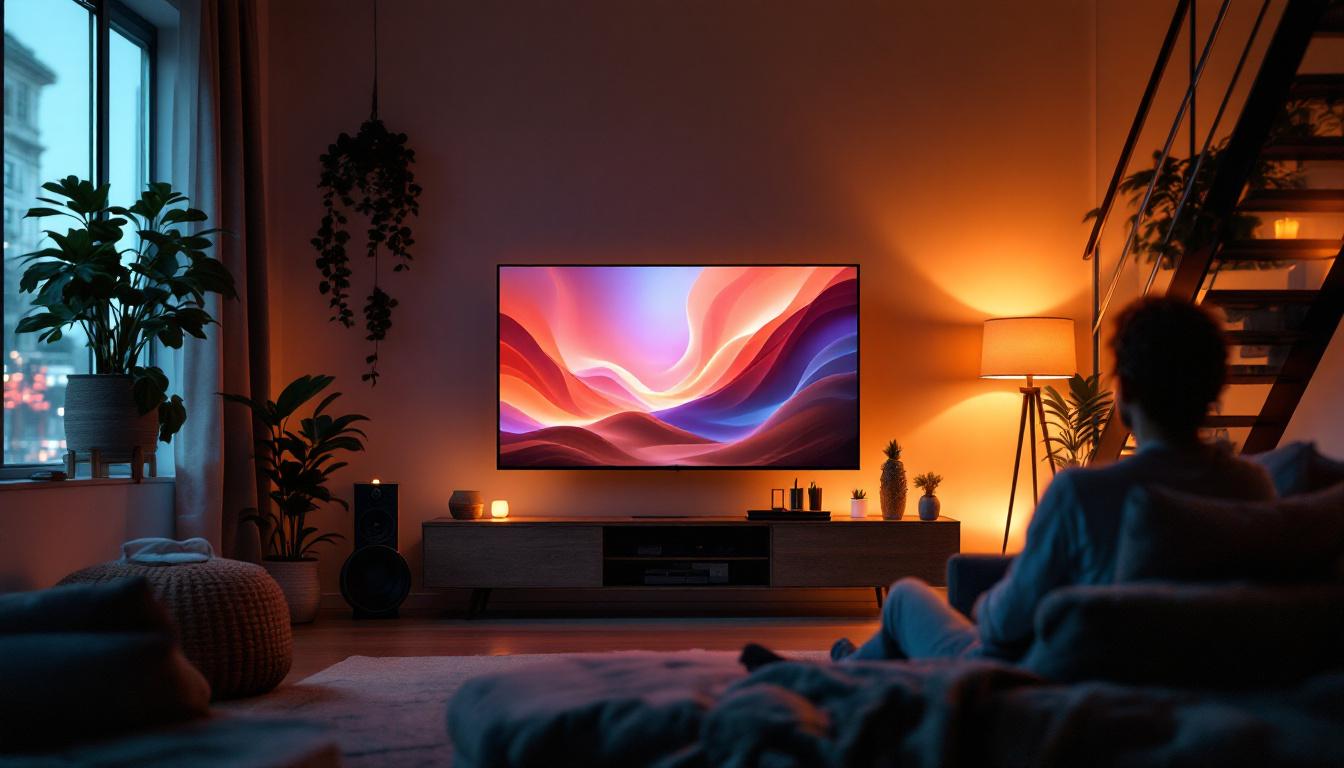
Optimal Viewing Distance TV Size: LED Display Explained
Choosing the right TV size for your living space is more than just picking the biggest screen you can find. The optimal viewing distance—the ideal space between your eyes and the TV screen—plays a crucial role in delivering the best visual experience. This is especially true for LED displays, which dominate the market due to their vibrant colors, energy efficiency, and slim profiles.
Understanding how TV size and viewing distance interact can transform your home entertainment setup, ensuring immersive viewing without eye strain or loss of picture quality. This comprehensive guide dives into the science and practical advice behind optimal viewing distances for LED TVs, helping you make an informed decision tailored to your environment.
Why Optimal Viewing Distance Matters
When it comes to watching TV, distance isn’t just about comfort—it directly affects picture clarity, color perception, and overall immersion. Sitting too close to a large screen can cause pixelation, where individual pixels become visible, breaking the illusion of a seamless image. Conversely, sitting too far away reduces the impact of high resolution and fine details, making the picture appear flat and less engaging. The ideal distance allows viewers to enjoy the full benefits of modern display technology, creating a more captivating viewing experience.
Optimal viewing distance also influences eye strain. Viewing a screen from an improper distance can cause discomfort, headaches, or fatigue, especially during extended viewing sessions. For LED TVs, which often boast high resolutions like 4K and 8K, maintaining the right distance ensures you fully benefit from the enhanced detail these displays offer. Additionally, the ambient lighting in the room can play a significant role in how comfortable the viewing experience is; a well-lit room can help reduce glare and reflections, further enhancing the overall enjoyment of the content.
Visual Acuity and Resolution
Human visual acuity—the ability to distinguish fine details—varies from person to person but generally peaks at about 1 arcminute (1/60th of a degree) of visual angle. This means that if pixels on the screen subtend an angle smaller than this, the eye perceives a smooth, continuous image. Understanding this concept is crucial for optimizing your home theater setup, as it can help you determine the best screen size and distance for your specific viewing environment.
For example, a 4K LED TV has approximately 8.3 million pixels. To appreciate this level of detail, viewers must sit close enough so that the pixels occupy a visual angle larger than the eye’s resolution limit. If the viewer sits too far, the extra pixels become redundant, and the image looks similar to that of a lower-resolution display. This is particularly important for content that features intricate visuals, such as nature documentaries or high-action films, where the subtleties of motion and detail can significantly enhance the storytelling experience. Furthermore, as technology continues to evolve, understanding the relationship between viewing distance and resolution will become even more essential, especially with the advent of ultra-high-definition formats and immersive viewing experiences like virtual reality.
Calculating Optimal Viewing Distance for LED TVs
Several guidelines and formulas help determine the ideal distance for viewing LED TVs based on size and resolution. While personal preference and room layout also matter, these calculations provide a reliable starting point.
General Recommendations by Screen Size
The Society of Motion Picture and Television Engineers (SMPTE) recommends a viewing angle of about 30 degrees for an immersive experience. This translates into specific distances depending on screen size:
- 40-inch TV: Approximately 5 to 6.5 feet (1.5 to 2 meters)
- 50-inch TV: Approximately 6.5 to 8 feet (2 to 2.5 meters)
- 55-inch TV: Approximately 7 to 9 feet (2.1 to 2.7 meters)
- 65-inch TV: Approximately 8 to 10 feet (2.4 to 3 meters)
- 75-inch TV: Approximately 9 to 12 feet (2.7 to 3.7 meters)
These distances are designed to maximize immersion without overwhelming the viewer’s field of vision. Additionally, it’s important to consider the layout of your room. For instance, if your seating arrangement is fixed, you might need to adjust the size of the TV to fit the optimal viewing distance. A larger screen can enhance the experience in larger rooms, while a smaller screen might be more suitable for compact spaces, ensuring that viewers can enjoy their favorite shows and movies without straining their eyes.
Resolution-Based Viewing Distance
Resolution plays a vital role in determining how close you can sit to your LED TV without noticing pixelation. The higher the resolution, the closer you can sit while maintaining a crisp image.
For 1080p Full HD TVs, the recommended viewing distance is roughly 1.5 to 2.5 times the diagonal screen size. For 4K Ultra HD TVs, this distance shrinks to about 1 to 1.5 times the diagonal size due to the increased pixel density. This is particularly relevant as more households transition to 4K displays, which offer a significantly sharper image, making it possible to enjoy finer details in high-definition content.
For example, with a 55-inch 4K LED TV, sitting between 4.5 and 7 feet (1.4 to 2.1 meters) allows you to appreciate the full detail without seeing individual pixels. Sitting farther than this reduces the benefit of 4K resolution, while sitting closer may reveal pixel structure. Furthermore, as streaming services and Blu-ray discs increasingly offer 4K content, understanding these optimal distances becomes essential for maximizing your viewing experience. The clarity of 4K can truly transform how you perceive films and television shows, making it feel as if you are part of the action rather than just a spectator.
Factors Influencing Viewing Distance and TV Size Choice
While general guidelines are helpful, several real-world factors influence the optimal viewing distance and TV size selection for LED displays.
Room Size and Layout
Physical constraints of your living space often dictate how large a TV you can comfortably accommodate and how far you can sit from it. A large 75-inch TV might be ideal for a spacious media room but overwhelming in a small apartment living room.
Consider the placement of furniture, wall space, and potential glare from windows or lighting. LED TVs with anti-reflective coatings and adjustable brightness settings can help mitigate some environmental challenges. Additionally, the layout of the room can significantly affect viewing comfort; for instance, an open floor plan may allow for more flexible seating arrangements, while a closed-off space might necessitate a more strategic setup to ensure everyone has a good view. Incorporating movable furniture or modular seating can also enhance the viewing experience, allowing for adjustments based on the number of viewers or the type of content being watched.
Content Type and Viewing Habits
The type of content you watch also impacts your ideal setup. Sports and action movies benefit from larger screens and closer viewing distances to capture fast movement and fine details. Conversely, casual TV watching or news viewing may not require as immersive an experience.
Gamers often prefer sitting closer to the screen to reduce input lag perception and improve reaction times, especially with high refresh rate LED TVs. Furthermore, the rise of streaming services has diversified viewing habits, with binge-watching series becoming a common pastime. This shift can lead viewers to prioritize comfort over size, opting for a cozy setup with plush seating and dim lighting that enhances the cinematic experience. As a result, the choice of TV size may also reflect personal preferences for how one engages with different types of content, whether it be a thrilling game night with friends or a quiet evening of solo viewing.
Display Technology and Features
LED TVs vary in panel quality, refresh rates, and HDR capabilities. High dynamic range (HDR) enhances contrast and color accuracy, making image quality more vivid and lifelike. These factors can influence how viewers perceive picture quality at different distances.
Some LED TVs also offer ultra-wide viewing angles, which can affect seating arrangements, especially in group settings. Moreover, advancements in display technology, such as OLED and QLED, provide even more options for consumers looking to elevate their viewing experience. These technologies often boast superior color reproduction and deeper blacks, which can be particularly beneficial for movie enthusiasts who appreciate nuanced visuals. As such, understanding the specific features of the TV you are considering can help you make a more informed decision about the optimal viewing distance and size for your unique setup.
Practical Tips for Setting Up Your LED TV
Beyond calculations, practical considerations can help optimize your viewing experience.
Measure Your Space
Start by measuring the distance from your primary seating area to the TV wall. Use this measurement to select a TV size that fits within the recommended viewing distance ranges.
Consider Wall Mounting vs. Stand Placement
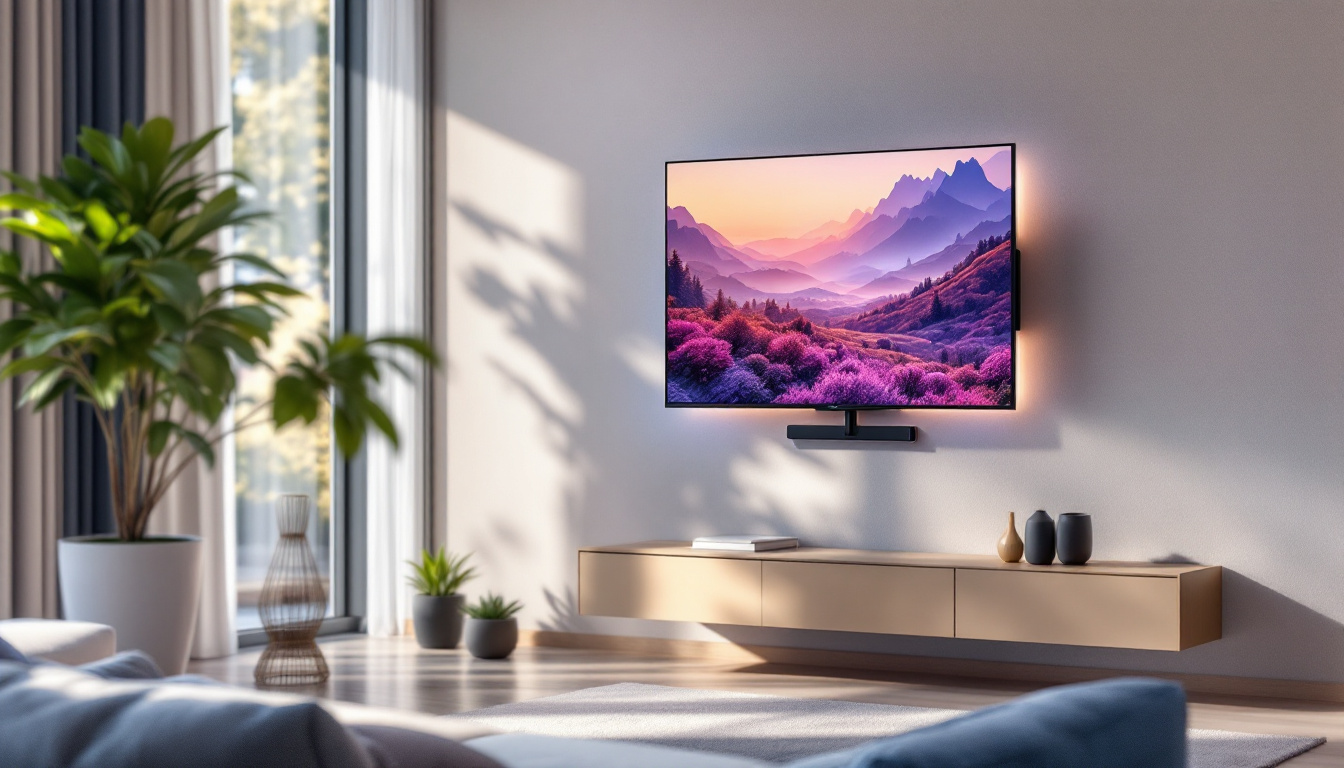
Wall mounting your LED TV can save space and allow for flexible positioning, including height and tilt adjustments. Aim for the center of the screen to be at eye level when seated to reduce neck strain.
Adjust Lighting and Reduce Glare
LED TVs perform best in controlled lighting environments. Use curtains or blinds to minimize sunlight glare, and position lamps to avoid reflections on the screen.
Test and Adjust
Once your TV is installed, spend some time watching various content types. If the picture feels overwhelming or you notice pixelation, consider adjusting your seating distance or TV settings like sharpness and brightness.
Future Trends: 8K and Beyond
As LED display technology advances, 8K TVs are becoming more accessible. With four times the pixels of 4K, 8K offers unprecedented detail, but only at closer viewing distances can the human eye appreciate the difference.
For 8K LED TVs, the optimal viewing distance can be as close as 0.75 times the screen diagonal, enabling larger screen sizes in smaller rooms without pixelation.
However, content availability in native 8K remains limited, and upscaling technology is still evolving. As such, 4K remains the practical sweet spot for most consumers today.
Conclusion
Choosing the optimal viewing distance for your LED TV size is essential to fully enjoy the vibrant colors, sharp details, and immersive experience these displays offer. Balancing screen size, resolution, room dimensions, and personal preferences ensures a comfortable and engaging setup.
By understanding the relationship between TV size and viewing distance, viewers can avoid common pitfalls like pixelation or eye strain, making movie nights, gaming sessions, and binge-watching marathons far more enjoyable.
When selecting your next LED TV, consider not only the specs but also how it fits into your living space and viewing habits. This holistic approach guarantees that your investment delivers the best possible entertainment experience for years to come.
Discover Your Perfect LED Display with LumenMatrix
Ready to elevate your viewing experience with the perfect LED TV? LumenMatrix offers a wide array of innovative LED display solutions that cater to your every need. Whether you’re looking to create an immersive home theater, captivate your audience with dynamic outdoor advertising, or enhance your business with versatile digital signage, our state-of-the-art LED display modules are designed to deliver unparalleled visual impact. Don’t settle for less—embrace the future of visual communication with LumenMatrix. Check out LumenMatrix LED Display Solutions today and transform the way you watch, play, and engage.