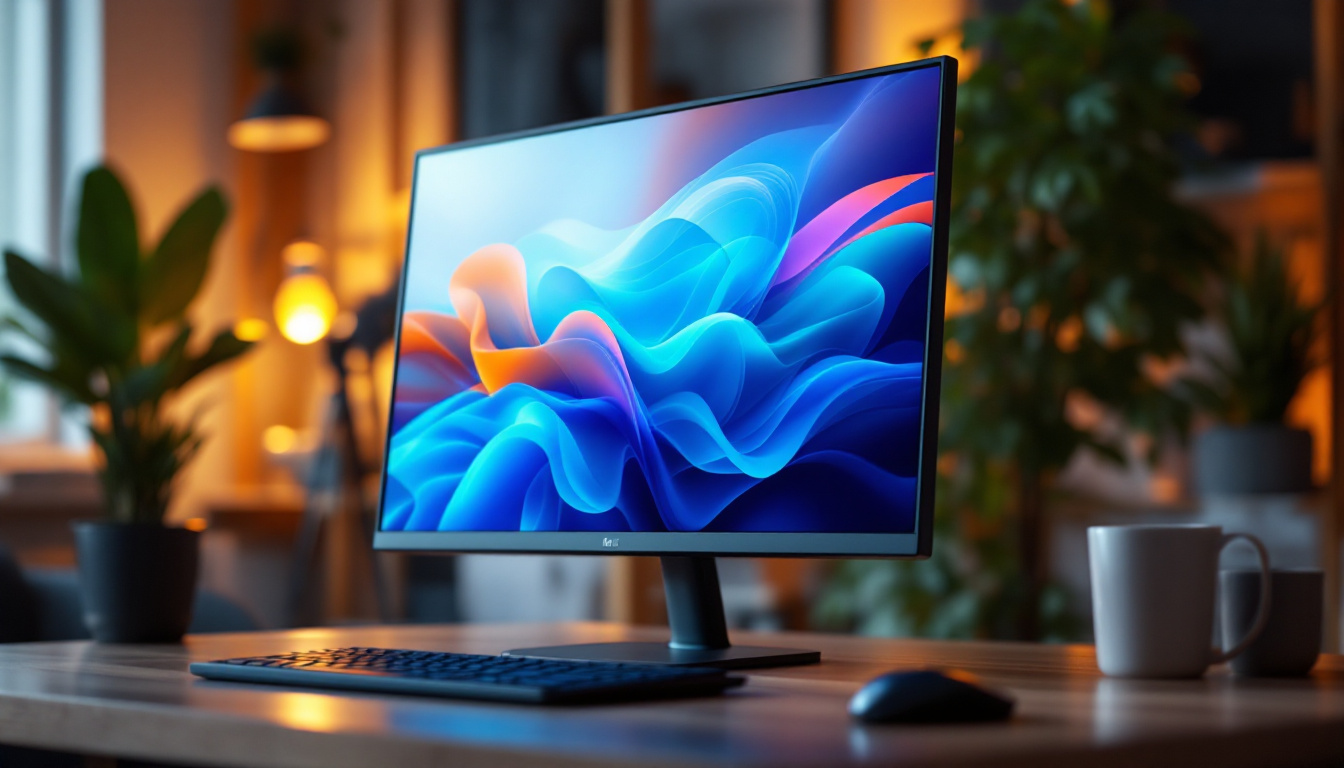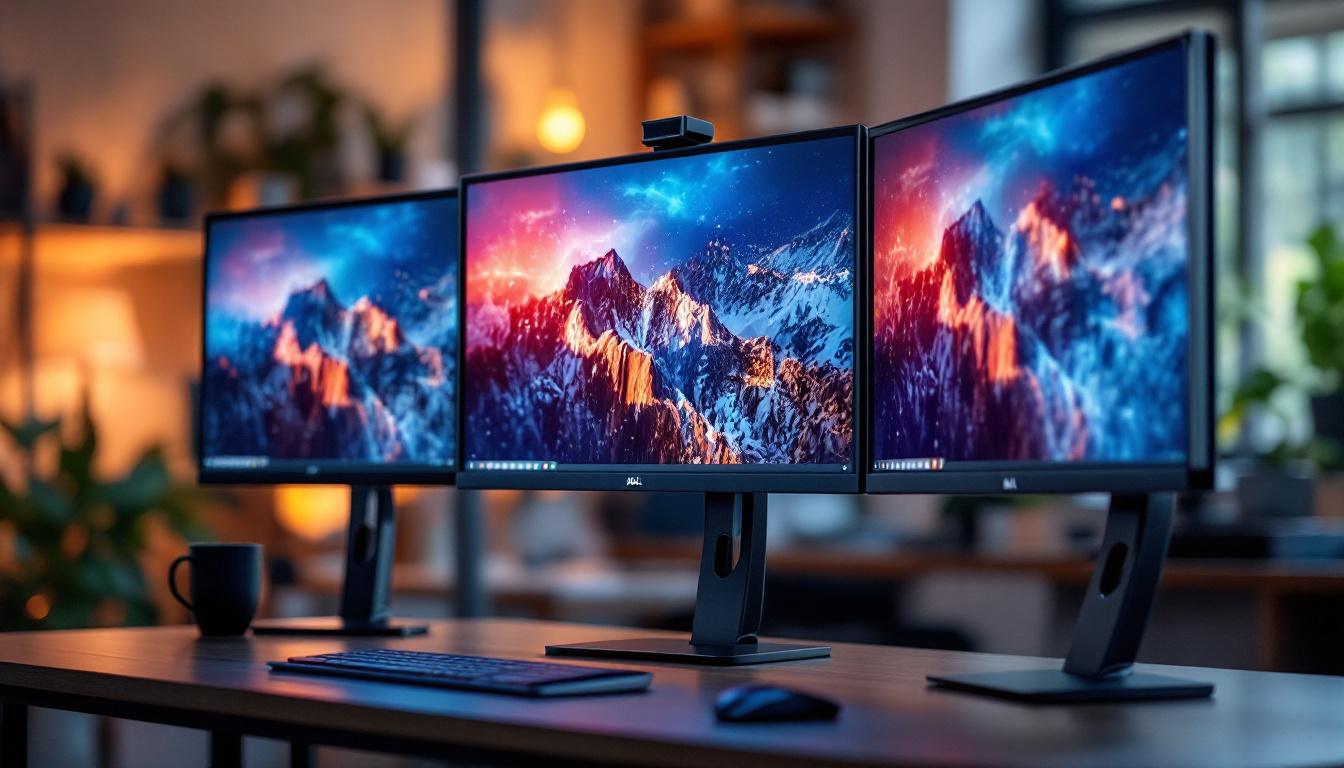
In today’s fast-paced work environment, maximizing productivity and maintaining an ergonomic workspace are priorities for many professionals. Multi-monitor setups have become increasingly popular, especially among those in fields such as graphic design, software development, financial analysis, and gaming. Dell’s triple monitor stand, designed to support LED displays, offers a practical and efficient solution for users looking to expand their screen real estate without sacrificing desk space or comfort.
This article explores the Dell triple monitor stand in detail, focusing on its compatibility with LED displays, key features, benefits, and considerations to keep in mind when setting up a multi-monitor workstation. Whether you’re a seasoned professional or just starting to explore multi-display configurations, understanding how this stand works with LED monitors will help you make an informed decision.
Understanding the Dell Triple Monitor Stand
What Is the Dell Triple Monitor Stand?
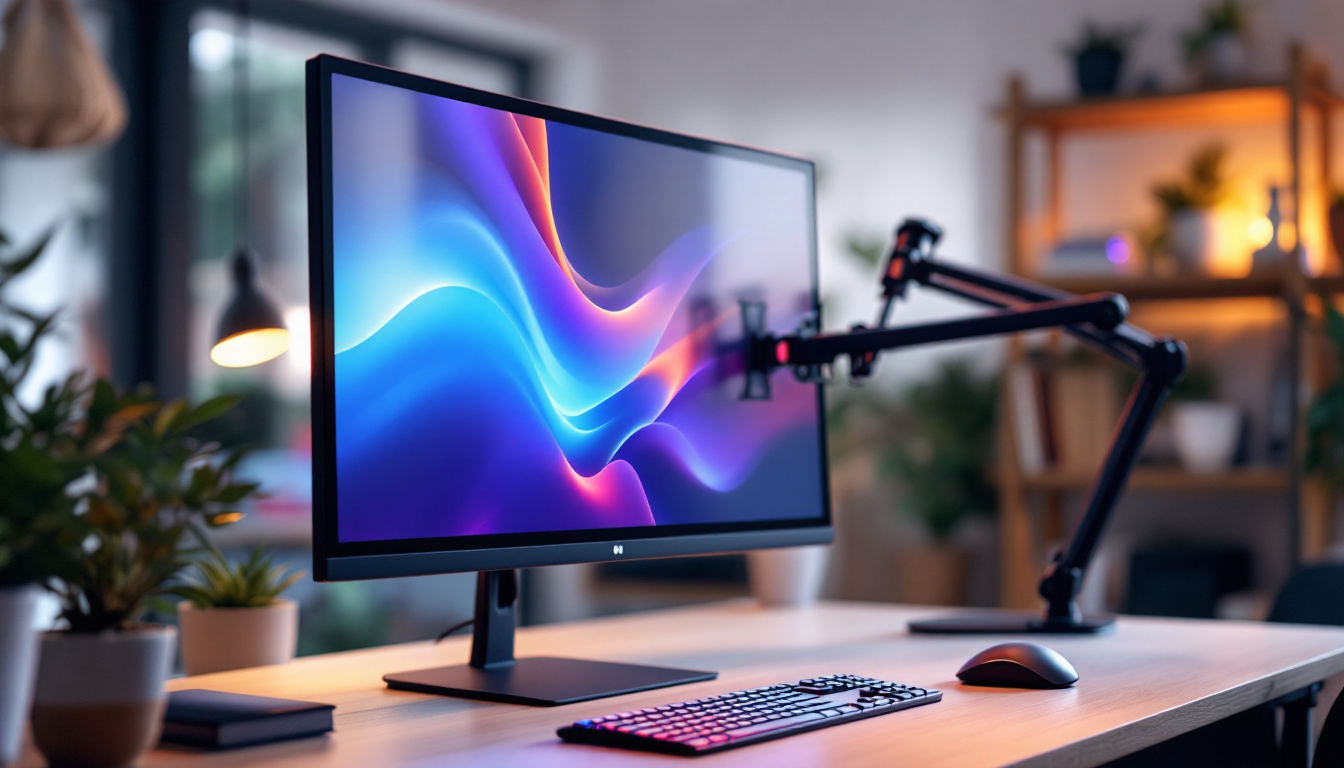
The Dell triple monitor stand is a robust mounting solution designed to hold up to three monitors simultaneously. It is engineered to support Dell’s LED displays, which are known for their slim profiles, energy efficiency, and vibrant visuals. The stand is constructed from durable materials to ensure stability and longevity, accommodating monitors of various sizes and weights.
Unlike traditional monitor stands that come attached to individual screens, this triple stand consolidates the mounting points into a single, adjustable structure. This design not only declutters the workspace but also allows for precise alignment and ergonomic positioning of each monitor, enhancing user comfort and productivity.
Compatibility with LED Displays
LED (Light Emitting Diode) displays have become the standard for modern monitors due to their superior brightness, color accuracy, and energy efficiency compared to older LCD or CCFL-backlit screens. Dell’s LED monitors, ranging from 21.5 inches to 27 inches and beyond, are fully compatible with the triple monitor stand, provided they meet certain specifications.
The stand supports VESA mounting patterns, typically 100×100 mm, which is a universal standard for monitor mounts. Most Dell LED monitors come with VESA-compatible mounting holes, making installation straightforward. It’s important to verify the size and weight limits of the stand—usually up to 8 kg (17.6 lbs) per monitor—to ensure safe and secure mounting.
Key Features of the Dell Triple Monitor Stand
Adjustability and Ergonomics
One of the standout features of the Dell triple monitor stand is its extensive adjustability. Each monitor arm can tilt, swivel, and rotate independently, allowing users to position their screens at optimal viewing angles. This flexibility helps reduce neck and eye strain, which are common issues in multi-monitor setups.
The height adjustment mechanism enables users to align all three monitors at eye level, promoting better posture. Additionally, the stand’s ability to pivot monitors into portrait or landscape orientation caters to diverse professional needs, such as coding, document editing, or design work.
Space-Saving Design
By elevating monitors off the desk surface, the triple monitor stand frees up valuable workspace for other essentials like keyboards, notebooks, and office supplies. This is particularly beneficial in compact or shared office environments where desk space is at a premium.
The stand’s base is designed to be stable yet minimalistic, often featuring a clamp or grommet mount to securely attach to the desk without causing damage or requiring permanent installation. This setup ensures that the stand remains firmly in place even when adjusting monitor positions.
Cable Management System
Managing cables in a multi-monitor setup can be challenging, leading to clutter and potential damage. The Dell triple monitor stand incorporates an integrated cable management system that routes power and data cables neatly along the arms and base.
This feature not only enhances the aesthetic appeal of the workspace but also prevents cables from tangling or getting caught during adjustments. For users with multiple peripherals, this system simplifies maintenance and reduces the risk of accidental disconnections.
Benefits of Using a Triple Monitor Setup with Dell LED Displays
Enhanced Productivity and Multitasking
Studies have shown that multiple monitors can significantly boost productivity. According to a report by Jon Peddie Research, multi-display users can experience up to a 42% increase in productivity compared to single-monitor users. This is largely due to the ability to view and interact with multiple applications simultaneously without constantly switching windows.
For professionals working with data-intensive tasks, such as financial analysts or software developers, having three screens allows for seamless comparison, monitoring, and editing. Dell’s crisp LED displays ensure that each screen delivers clear and vibrant visuals, reducing eye fatigue during extended use.
Improved Workflow for Creative Professionals
Graphic designers, video editors, and photographers benefit greatly from triple monitor setups. The ability to dedicate one screen to the main project, another to tool palettes, and a third to reference materials or previews streamlines the creative process. Dell’s LED displays offer accurate color reproduction, which is critical for tasks requiring color precision.
Moreover, the ergonomic design of the triple monitor stand helps maintain a comfortable posture during long editing sessions, reducing the risk of repetitive strain injuries.
Gaming and Entertainment Advantages
While primarily targeted at professional users, the Dell triple monitor stand also appeals to gaming enthusiasts. A triple screen setup can create an immersive panoramic experience, enhancing gameplay and situational awareness. Many modern games support multi-monitor configurations, allowing players to extend their field of view across three displays.
LED monitors’ fast response times and high refresh rates contribute to smooth and vibrant visuals, critical for competitive gaming. The sturdy stand ensures that the monitors remain securely positioned even during intense gaming sessions.
Setting Up the Dell Triple Monitor Stand with LED Displays
Preparation and Requirements
Before setting up the triple monitor stand, it’s essential to ensure that your workspace can accommodate the stand’s footprint and that your desk is sturdy enough to support the combined weight of three monitors. Measuring the desk area and verifying the stand’s mounting options—clamp or grommet—is a crucial first step.
Gather all necessary tools, such as screwdrivers and the mounting hardware included with the stand and monitors. It’s also helpful to have a second person assist with installation to safely handle the monitors.
Installation Process
Start by securely attaching the stand’s base to your desk using the clamp or grommet mount. Next, assemble the monitor arms according to the manufacturer’s instructions, ensuring all joints and screws are tightened properly.
Attach the VESA mounting brackets to the back of each Dell LED monitor. Carefully mount each monitor onto the arms, checking that they are firmly secured. Adjust the height, tilt, and orientation of each screen to your preferred ergonomic setup.
Finally, route all cables through the integrated cable management channels, connecting power and data cables to their respective ports. Double-check that all connections are secure and that the monitors respond correctly when powered on.
Calibration and Optimization
Once the monitors are installed, calibrate each display to ensure consistent brightness, contrast, and color settings across all three screens. Dell provides software tools and calibration guides that can assist in achieving uniformity, which is particularly important for creative professionals.
Adjust the Windows or macOS display settings to arrange the monitors logically, matching their physical layout. This step ensures smooth cursor movement and window transitions between screens.
Considerations and Tips for Maximizing Your Triple Monitor Setup
Monitor Size and Resolution
Choosing the right monitor size and resolution is vital for an effective triple display setup. While Dell’s triple monitor stand supports a range of sizes, it’s best to select monitors with similar dimensions and resolutions to maintain visual consistency and avoid awkward transitions between screens.
For most users, 24-inch to 27-inch LED monitors with Full HD (1920×1080) or higher resolutions provide a good balance of screen space and clarity. Higher resolutions like 2560×1440 or 4K can offer more detailed visuals but require more powerful graphics hardware.
Graphics Card Compatibility
Driving three LED monitors simultaneously demands a capable graphics card. Ensure your computer’s GPU supports triple display output and has the necessary ports (HDMI, DisplayPort, or USB-C). Some Dell workstations and laptops come equipped with multi-monitor support, but desktop users might need to upgrade their graphics cards.
Using DisplayPort MST (Multi-Stream Transport) hubs or docking stations can simplify connections if your GPU has limited ports.
Ergonomics and Health
Maintaining an ergonomic setup is crucial when using multiple monitors. Position the center monitor directly in front of you, with the side monitors angled slightly inward. Keep the top of the screens at or just below eye level to reduce neck strain.
Take regular breaks and practice the 20-20-20 rule—every 20 minutes, look at something 20 feet away for 20 seconds—to alleviate eye fatigue. Investing in an adjustable chair and desk can further enhance comfort.
Maintenance and Longevity
Regularly clean the monitors and stand to prevent dust buildup, which can affect display quality and mechanical parts. Use microfiber cloths and appropriate screen cleaners for LED displays.
Periodically check the tightness of screws and joints on the stand to ensure stability. Proper maintenance extends the lifespan of your triple monitor setup and keeps your workspace safe and efficient.
Conclusion
The Dell triple monitor stand paired with LED displays offers a compelling solution for professionals and enthusiasts seeking to enhance their workspace with a multi-monitor configuration. Its compatibility with Dell’s LED monitors, combined with ergonomic adjustability, space-saving design, and integrated cable management, makes it a versatile and user-friendly option.
By understanding the key features, benefits, and setup considerations outlined in this article, users can create an optimized triple monitor workstation that boosts productivity, supports creative workflows, and delivers an immersive visual experience. Whether for work or play, investing in a quality triple monitor stand like Dell’s can transform how you interact with your digital environment.
Discover LumenMatrix LED Display Solutions
Ready to elevate your multi-monitor setup to new heights of clarity and performance? Explore the innovative LED display technologies offered by LumenMatrix. With a wide array of solutions including Indoor and Outdoor LED Wall Displays, Vehicle LED Displays, and specialized options like LED Sports and Floor Displays, LumenMatrix is at the forefront of creating immersive environments and dynamic visual experiences. Enhance your professional workspace or entertainment setup with our cutting-edge LED display modules. Check out LumenMatrix LED Display Solutions today and see your world in a whole new light.