Flat Screen TV Wall Mounts: LED Display Explained
In today’s world of home entertainment, flat screen TVs are a centerpiece in many living rooms, bedrooms, and even offices. The sleek design and vibrant display of LED TVs have transformed the viewing experience, making it more immersive and visually appealing. However, to truly maximize the benefits of an LED TV, the way it is positioned and mounted plays a crucial role. This is where flat screen TV wall mounts come into the picture.
This article delves into the essentials of flat screen TV wall mounts, focusing on LED displays. It covers why mounting is important, the types of mounts available, installation considerations, and tips to optimize your viewing experience. Whether you are a first-time buyer or looking to upgrade your current setup, understanding these elements will help you make informed decisions.
Understanding LED Displays and Their Mounting Needs
What is an LED TV?
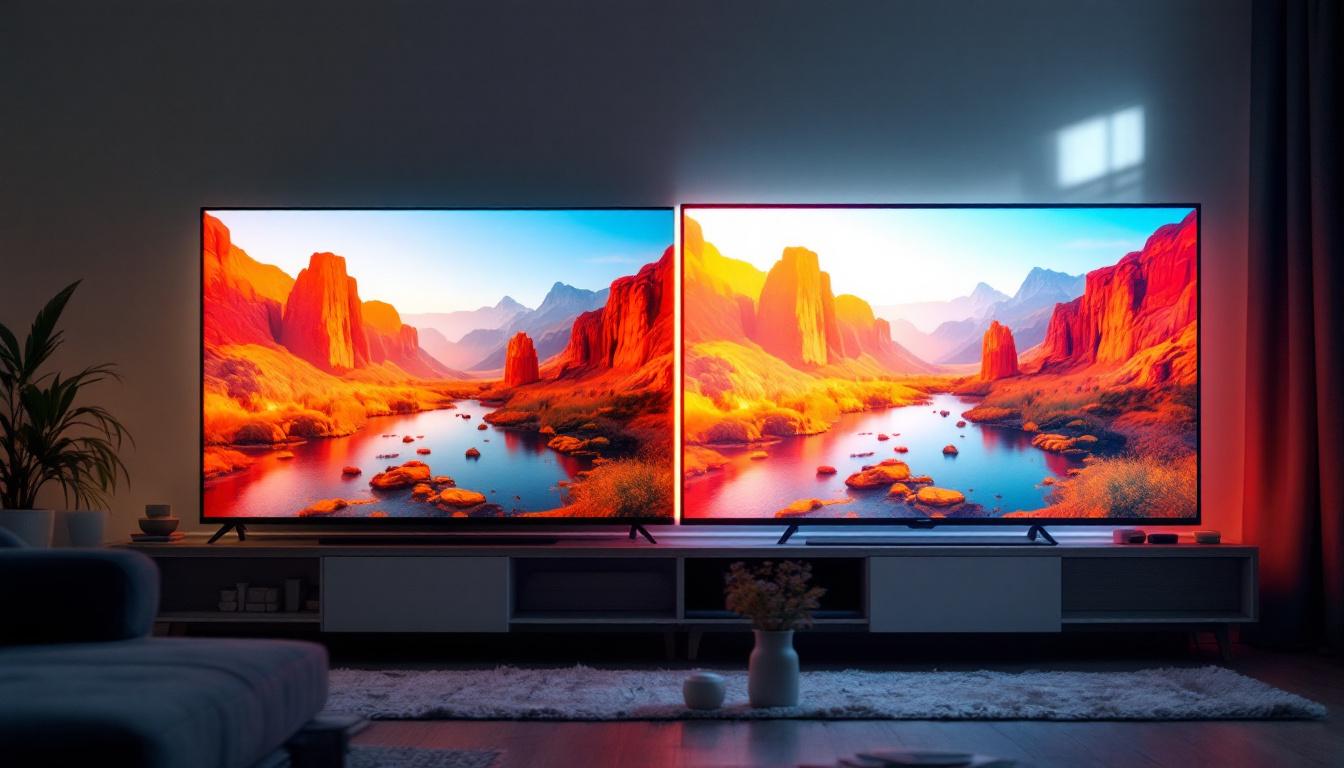
LED TVs are essentially LCD TVs that use Light Emitting Diodes (LEDs) as their backlight source instead of the traditional cold cathode fluorescent lamps (CCFLs). This technology offers several advantages, including better energy efficiency, thinner panels, improved brightness, and enhanced color accuracy. The use of LEDs allows for a wider color gamut, resulting in more vibrant images that can bring your favorite movies and shows to life in a way that older technologies simply cannot match.
Because LED TVs are typically thinner and lighter than older models, they are well-suited for wall mounting. However, the delicate nature of the LED panel and the need for proper ventilation make it important to choose the right mount and installation method. Furthermore, many modern LED TVs come equipped with smart features and connectivity options that allow for seamless integration into your home entertainment system, making them a versatile choice for any tech-savvy user.
Why Mount an LED TV on the Wall?
Wall mounting an LED TV offers several benefits:
- Space-saving: Mounting frees up floor space, creating a cleaner and more organized room layout.
- Improved Viewing Angles: Properly mounted TVs can be adjusted to reduce glare and optimize the viewing angle for comfort.
- Safety: Wall mounts secure the TV firmly, reducing the risk of accidental tipping, especially in homes with children or pets.
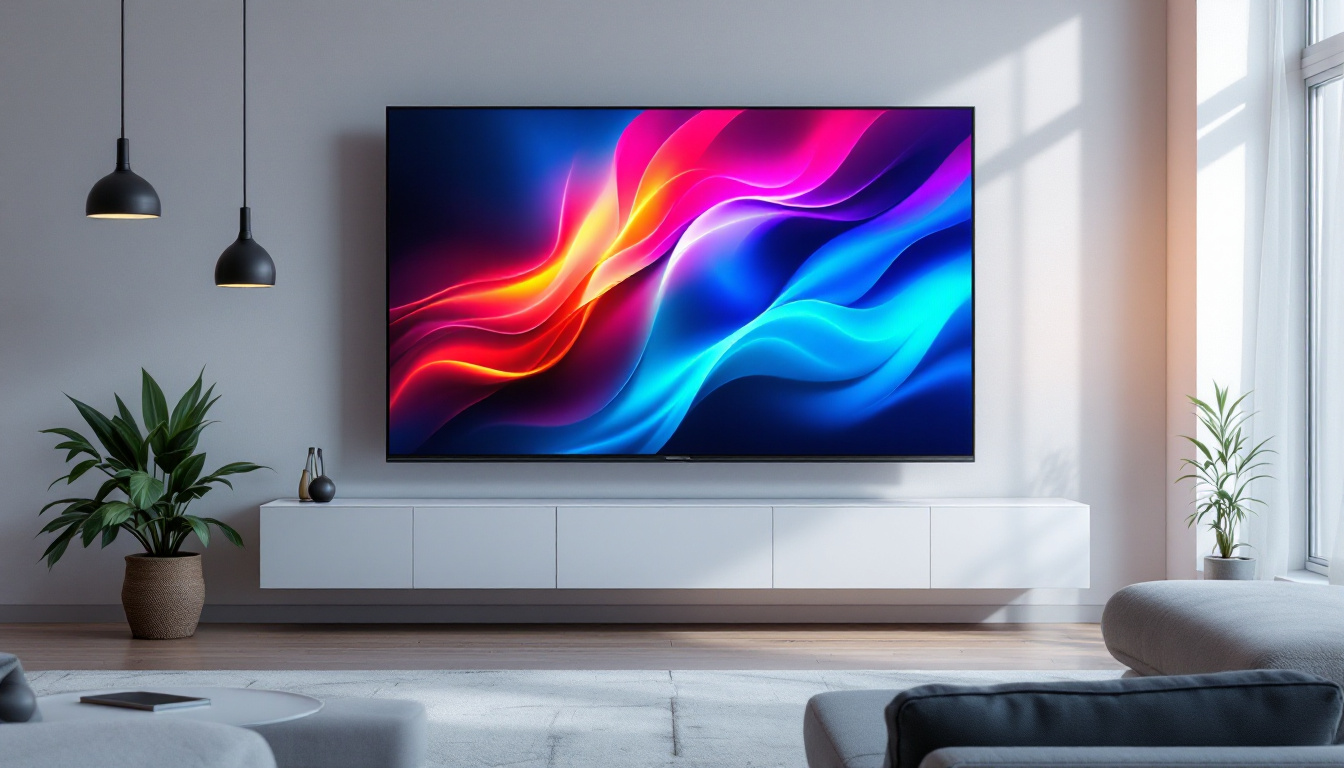
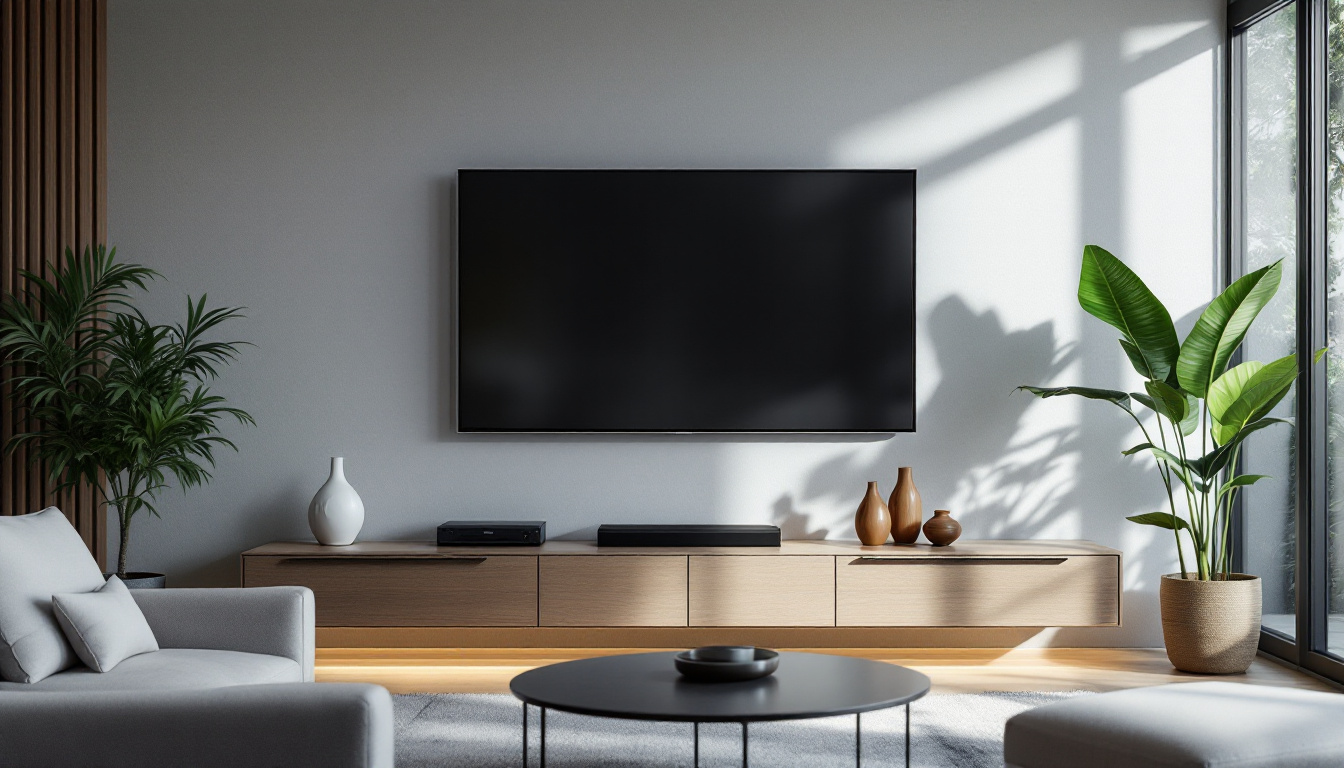
- Aesthetic Appeal: A wall-mounted TV creates a modern, streamlined look that complements contemporary interior design.
In addition to these practical advantages, wall mounting can also enhance your overall viewing experience. By positioning the TV at eye level, you can reduce neck strain and create a more immersive environment, especially when watching action-packed films or playing video games. Moreover, many wall mounts offer tilting and swiveling options, allowing you to adjust the screen to achieve the perfect angle, whether you’re lounging on the couch or entertaining guests in the room.
Another factor to consider is cable management. Wall mounting can help conceal unsightly cables and wires, contributing to a tidy appearance. Many mounts come with built-in cable management systems that allow you to route cables neatly along the wall or through the mount itself. This not only enhances the visual appeal but also minimizes the risk of tripping hazards and damage to the cables, ensuring that your setup remains both functional and stylish.
Types of Flat Screen TV Wall Mounts
Fixed Mounts
Fixed mounts hold the TV flat against the wall with no movement. They are the most affordable and simplest option, ideal for rooms where the viewing angle is consistent and glare is minimal. Because they keep the TV close to the wall, they offer a sleek profile but lack flexibility. These mounts are particularly popular in minimalist designs, where the focus is on clean lines and unobtrusive decor. Additionally, fixed mounts are often favored in situations where the TV is primarily used for watching movies or shows from a single seating area, making them a practical choice for dedicated home theaters.
Tilting Mounts
Tilting mounts allow the TV to be angled up or down, which is useful when the TV is mounted higher than eye level. This adjustability helps reduce glare and improves viewing comfort. Tilting mounts are slightly more expensive than fixed mounts but provide better versatility. They are especially beneficial in living rooms or family rooms where furniture arrangements may change over time. By allowing for a downward tilt, these mounts ensure that viewers can enjoy a clear picture without straining their necks, making them a popular choice for homes with high ceilings or large windows that might reflect light onto the screen.
Full-Motion or Articulating Mounts
Full-motion mounts offer the greatest flexibility, allowing the TV to be pulled away from the wall, swiveled left or right, and tilted. These mounts are perfect for rooms where multiple seating areas require different viewing angles or when the TV needs to be adjusted frequently. The ability to reposition the TV makes full-motion mounts ideal for open-concept spaces, where the layout might change based on gatherings or family activities. Furthermore, these mounts can be a game changer for gamers or sports enthusiasts who want to optimize their viewing experience from various spots in the room, ensuring that everyone has a front-row seat to the action.
Ceiling Mounts
Less common but useful in certain environments, ceiling mounts suspend the TV from above. They are often used in commercial spaces or rooms where wall mounting is impractical. Ceiling mounts can also be full-motion or fixed. These mounts are particularly advantageous in areas with limited wall space, such as kitchens or small apartments, where maximizing floor space is essential. In addition, ceiling mounts can create a dramatic visual effect, making the TV a focal point in a room. They are also frequently employed in professional settings, such as conference rooms or waiting areas, where the TV needs to be visible from various angles without obstructing the flow of foot traffic.
Key Considerations When Choosing a Wall Mount for LED TVs
Weight and Size Compatibility
Every wall mount has a maximum weight capacity and supports specific TV sizes. It is critical to check the specifications of both the TV and the mount to ensure compatibility. LED TVs, while lighter than older models, can still be heavy, especially larger screens above 55 inches.
VESA Standards
The Video Electronics Standards Association (VESA) defines mounting hole patterns on the back of TVs. These patterns are measured in millimeters (e.g., 200×200, 400×400). When selecting a mount, make sure it supports your TV’s VESA pattern to ensure a secure fit.
Wall Type and Installation Location
The type of wall—drywall, concrete, brick, or wood studs—affects the mounting hardware and method. For example, drywall alone cannot support a TV mount; it must be anchored into studs or reinforced with appropriate anchors. Consulting a professional installer is recommended if you are unsure about your wall type.
Cable Management
One of the challenges of wall mounting is managing cables for power, HDMI, and other connections. Some mounts come with built-in cable management systems to keep wires organized and hidden, maintaining a clean appearance.
Ventilation and Heat Dissipation
LED TVs generate heat during operation, and proper ventilation is necessary to prevent overheating. When mounted too close to the wall or in enclosed spaces, heat can accumulate, potentially reducing the TV’s lifespan. Choosing a mount that allows sufficient airflow is essential.
Installation Tips for Flat Screen TV Wall Mounts
Gather the Right Tools and Materials
Before installation, ensure you have all necessary tools, including a stud finder, drill, level, screwdriver, measuring tape, and the mounting hardware provided with the mount. Having everything on hand will make the process smoother and safer.
Locate Wall Studs Accurately
Studs provide the structural support needed to hold the TV’s weight. Use a stud finder to locate them precisely and mark the drilling points. Mounting directly into drywall without studs is unsafe and should be avoided.
Follow Manufacturer Instructions Closely
Each mount comes with specific instructions tailored to its design. Adhering to these guidelines ensures proper installation and warranty protection. If the instructions are unclear, seek professional assistance.
Check Level and Secure Fastening
Use a level to ensure the mount is perfectly horizontal before tightening screws. Loose or uneven mounting can cause the TV to tilt or fall. Double-check all fasteners for tightness and stability.
Manage Cables Neatly
Plan cable routing before finalizing the installation. Use cable ties, conduits, or in-wall cable management kits to keep wires organized and out of sight. This not only improves aesthetics but also reduces the risk of tripping or damage.
Optimizing Your Viewing Experience with Wall Mounted LED TVs
Optimal Viewing Height
The ideal height for mounting your LED TV is generally at eye level when seated. This reduces neck strain and provides the most comfortable viewing angle. For most living rooms, this means the center of the screen should be approximately 42 to 48 inches from the floor.
Reducing Glare and Reflections
Position the TV to minimize glare from windows and lights. Tilting mounts can help adjust the angle to reduce reflections. Additionally, using curtains or blinds to control ambient light enhances picture quality.
Sound Considerations
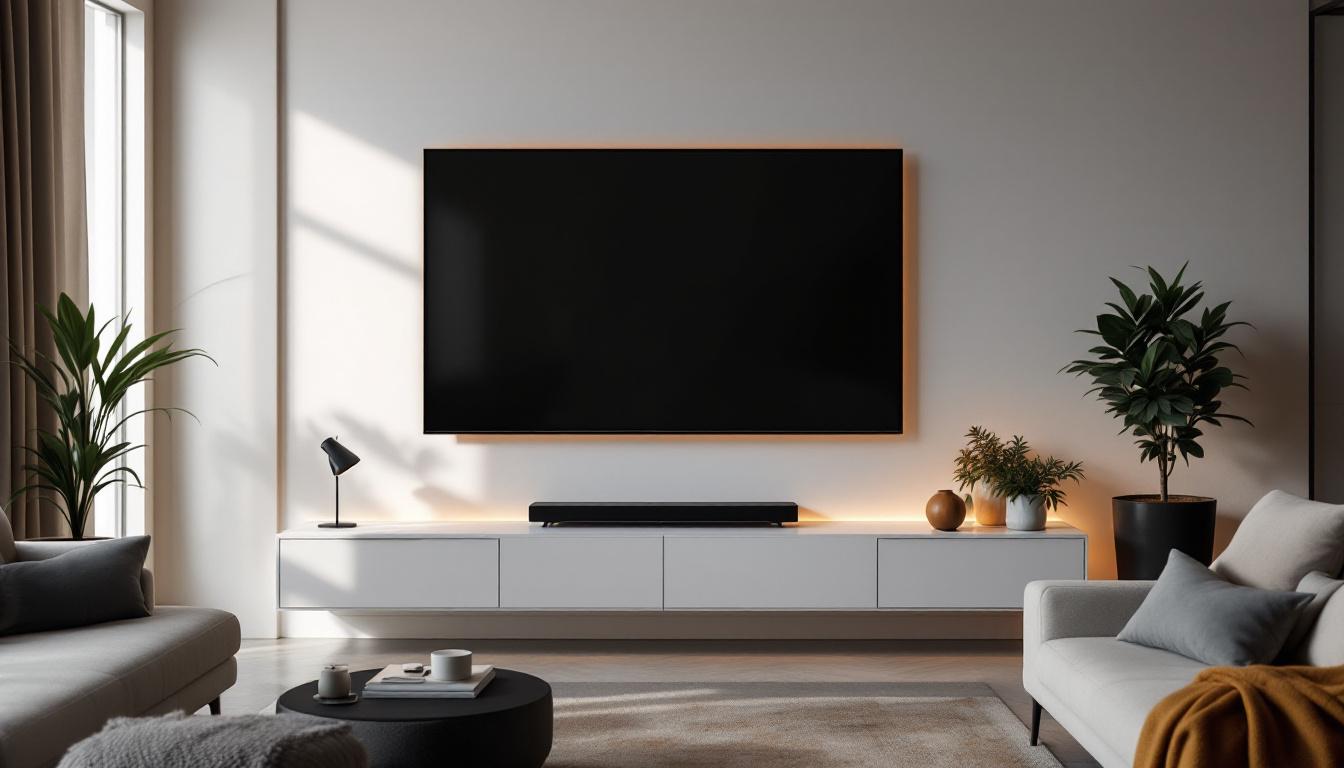
Wall mounting can sometimes affect the TV’s built-in speakers, especially if the TV is mounted flush against the wall. Consider using external soundbars or home theater systems for improved audio. Many mounts accommodate soundbars, allowing for integrated setups.
Smart Home Integration
Modern LED TVs often connect with smart home systems. When planning your wall mount installation, consider accessibility to power outlets and network connections. Concealing cables while maintaining easy access for updates and maintenance is key.
Common Mistakes to Avoid When Mounting LED TVs
Ignoring Weight Limits
Using a mount that cannot support the TV’s weight can lead to dangerous accidents. Always verify the mount’s specifications against your TV’s weight and size.
Skipping Stud Location
Mounting into drywall without securing to studs is a frequent error that compromises safety. Studs provide the necessary strength to hold the TV securely.
Poor Cable Management
Leaving cables dangling not only looks untidy but also poses safety hazards. Proper cable management enhances both aesthetics and safety.
Overlooking Ventilation
Mounting the TV too close to the wall or inside enclosed cabinets without ventilation can cause overheating, potentially damaging the TV.
Conclusion
Flat screen TV wall mounts are an essential accessory for modern LED displays, offering both functional and aesthetic advantages. Understanding the types of mounts, compatibility factors, and installation best practices ensures a safe and enjoyable viewing experience. By carefully selecting the right mount and positioning your LED TV thoughtfully, you can transform your space into a stylish and comfortable entertainment hub.
As LED technology continues to evolve, the importance of proper mounting solutions will only grow. Investing time and effort into choosing and installing the right wall mount will pay off in enhanced viewing pleasure and long-term TV performance.
Discover the Future of Visual Experience with LumenMatrix
Ready to elevate your entertainment space with the latest in LED display technology? LumenMatrix is at the forefront of innovation, offering a wide range of LED display solutions that bring your viewing experience to life. From the comfort of your home to the buzz of outdoor events, our displays ensure vibrant visuals and dynamic engagement. Don’t just watch; immerse yourself in a world of color and clarity. Check out LumenMatrix LED Display Solutions today and transform the way you see the world.